AI Generated Background Music: How to Create Royalty-Free Beds, Loops and Ambience from Text
Ask an AI music generator from text for a “calm, cinematic bed” and it hands back a finished instrumental track in seconds — describe the mood, energy and length in plain words, and the model assembles the rest. According to the Wikipedia overview of AI and music, generative models trained on large audio datasets can now compose original, genre-consistent tracks without a human musician touching an instrument.
This guide walks through how to phrase a prompt that actually works, what separates a bed from a loop from ambience, where AI generated background music fits in real projects, how royalty-free licensing actually behaves across providers, and how to keep a track supportive instead of distracting.
What AI Generated Background Music Actually Is
From words to a soundtrack
An AI background music generator turns a text description into an original instrumental track — no sample library, no stems pulled from someone else’s session. The typical flow is three steps: describe the idea or scene, adjust the vibe, instruments and atmosphere, then generate and download a finished file, usually in under a minute. The category has scaled fast: Beatoven reports more than 2 million creators and 15 million tracks generated on its platform, while TopMediai counts roughly 1 million users across 180-plus countries. That volume alone tells you this isn’t a novelty — it has become a default workflow for anyone who needs a soundtrack on a deadline.
Why creators use it instead of stock libraries
No music theory and no DAW are required to get a usable result. More importantly, the output is generated specifically for your scene rather than pulled from a shared catalog where the same loop has already scored a thousand other videos. SOUNDRAW markets this directly as a studio-ready track produced in seconds without any music-production background — which is really the pitch of the whole category: skip the search-and-license grind and go straight to a track built around what you typed. Once you’ve tried generating an AI music from text track for one project, most creators keep coming back to the same workflow for every video after.
How to Describe Mood, Energy and Length in a Prompt
A good prompt is really four variables layered together, plus a line about length so the model doesn’t hand you a two-minute file when you needed fifteen seconds.
The four levers: mood, energy, instruments, tempo
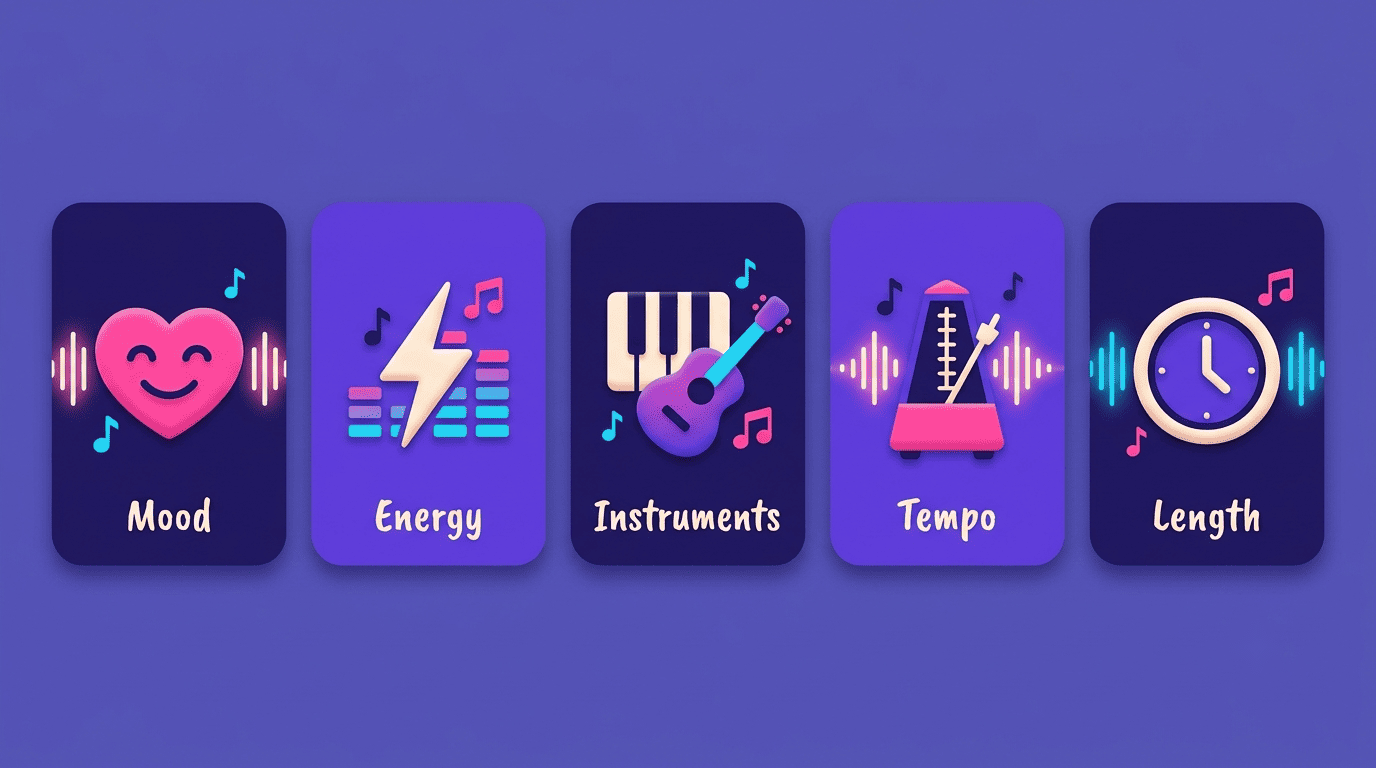
A prompt really breaks down into four independent levers:
- Mood or atmosphere — the emotional register: Calm, Cozy, Cinematic, Focused, Dreamy; OpenMusic alone lists 15 named moods in its picker
- Energy level — a separate control in tools like AirMusic, pushing the same mood from subdued to driving without changing genre
- Instruments — piano, synth, strings, saxophone, acoustic guitar — deciding the texture and how much space is left for a voice-over on top
- Tempo — usually a range rather than an exact number: Somio works in slow-to-fast bands anchored around 60, 75 and 85 BPM samples
Most platforms also let you stack these as tags — #Mood #Genre #Instrument #Ambience — so the same four levers show up whether you’re typing a sentence or clicking chips.
Length, structure and prompt hygiene
State the length and purpose explicitly — “2-minute focus loop” or “30-second intro sting” reads very differently to the model than a vague mood word on its own. AirMusic’s prompt guidance is blunt about one thing: keep the description original, don’t name real songs or artists, and don’t paste in someone else’s lyrics — doing so risks a copyright flag on the output before you’ve even used it. Three prompts that work well in practice:
- “calm lo-fi study bed, soft piano, no drums, 75 BPM”
- “warm cinematic ambience for a product reveal, strings and pad, slow build”
- “cozy cafe background, mellow jazz guitar, low energy”
Two takes are better than one
Several generators return two variations per prompt by default — Somio and TopMediai both do this — so you can compare before committing. From there, fine-tune with sliders rather than rewriting the whole prompt: OpenMusic exposes Weirdness, Style Influence and Audio Influence controls, each defaulting to 50%, which nudge the result without starting over.
Beds, Loops and Ambience: Choosing the Right Format
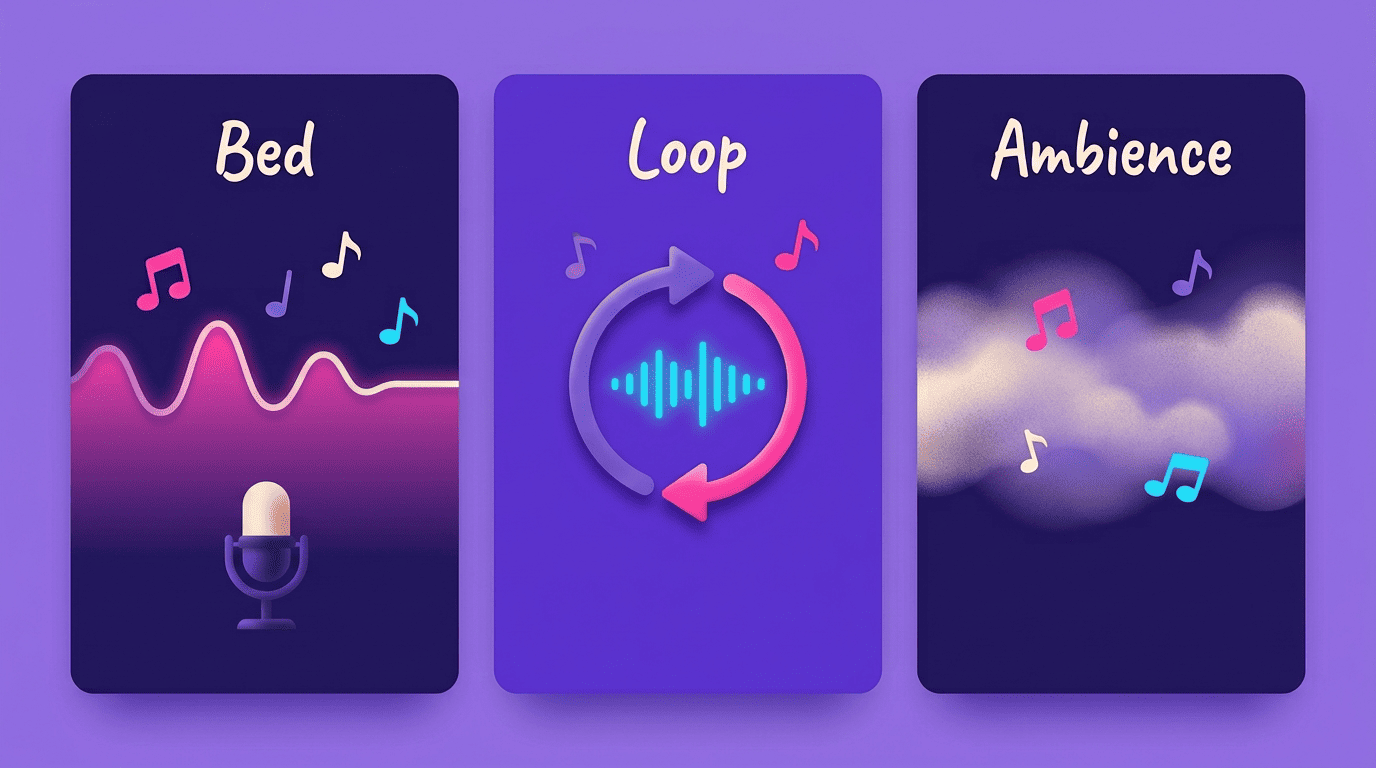
The three delivery formats aren’t interchangeable, and picking the wrong one is the most common reason a generated track feels off in the final edit.
| Format | What it is | Best for |
|---|---|---|
| Bed | Continuous musical underlay meant to sit beneath a voice or video | Narration, tutorials, corporate video |
| Loop | Short, seamless fragment that repeats without an audible seam | Streams, games, long-running content |
| Ambience | Atmospheric, near-melody-free soundscape | Meditation apps, focus sessions, quiet scenes |
Bed vs loop vs ambience
A bed is a continuous musical layer designed to sit under a voice or video without competing for attention. A loop is a short fragment engineered to repeat seamlessly — Somio specifically markets seamless infinite loops for study and focus use, where the listener needs hours of coverage from a few seconds of source audio. Ambience sits closest to a soundscape: minimal melody, more texture, built for spaces where music should register as atmosphere rather than a song. Matching the format to the job matters — a narrator needs a bed, a stream needs a loop, a meditation app needs ambience.
Export and editing
Export options vary more than people expect between providers:
- SOUNDRAW — MP3, WAV and full STEMS, with bar-level mute and solo to rebuild the arrangement in real time
- Somio — MP3 export plus a private shareable link, simpler but less flexible for manual mixing
- Instrumental-only toggle — offered by several tools, strips vocals entirely, close to mandatory for anything meant to stay in the background
STEMS matter specifically when you need to duck or remove elements manually to sit music under dialogue rather than relying on the generator’s own mix.
Where AI Background Music Fits: Use Cases
Content creation is the most obvious fit — YouTube videos, vlogs and Reels, where a generated bed replaces licensing a stock track for every single upload instead of paying per clip or fighting a subscription library’s search filters.
Gaming and streaming lean on loop-based backgrounds that can run for hours of live broadcast without repeating audibly, which matters when a stream can run far longer than any pre-made track.
Study, focus and relaxation use cases favor lo-fi and ambient soundscapes built for long, low-distraction listening sessions — the same territory covered later in the non-distraction tips below.
Business and brands need endless, non-repetitive BGM for retail spaces, cafes and corporate video, where the same eight bars looping all day would grate on staff and customers alike.

TopMediai frames the same territory slightly differently, emphasizing games, films and shows, podcasts and stress relief through what it calls “setting the tone” — using music to establish mood before dialogue or visuals do the rest of the work.
Is AI Background Music Royalty-Free? Licensing, Honestly
“Royalty-free” is not one thing
Royalty-free does not mean unconditional use, and the fine print differs by provider in ways that matter before a commercial release. SOUNDRAW offers a worldwide, perpetual license, and on its Artist plans it permits distribution to Spotify, TikTok and YouTube once the beat has been modified beyond basic editing — the user keeps 100% of the master recording royalties from streaming, though composition rights stay shared 50/50 with SOUNDRAW; the entry-level Creator plan covers background-music use only and doesn’t include DSP distribution. Beatoven grants a non-exclusive, perpetual license but does not allow direct upload to Spotify or Apple Music as a standalone music release; if a YouTube claim does land, it’s resolved through content/track ID matching rather than a takedown. The lesson is simple: read the actual terms of the specific service before a commercial release, not just the “royalty-free” headline on the homepage.
| Provider | License type | Streaming distribution | Claim resolution |
|---|---|---|---|
| SOUNDRAW | Worldwide, perpetual (DSP distribution needs Artist plan) | Allowed on Spotify, TikTok, YouTube if modified first | Not typically needed |
| Beatoven | Non-exclusive, perpetual | Blocked as a standalone release on Spotify/Apple Music | Content/track ID matching |
| OpenMusic | Royalty-free on any platform (per provider terms) | Provider states any platform | Provider terms apply |
Before publishing a generated track commercially, it’s worth checking a short list of terms rather than assuming “royalty-free” covers everything:
- Whether direct upload to streaming platforms (Spotify, Apple Music) is allowed or blocked
- How content ID or copyright claims on YouTube are meant to be resolved
- Whether the license is perpetual or tied to a subscription that could lapse
- Whether the provider discloses what its models were trained on
Training data and “copyright-safe”
This isn’t just a licensing footnote — it’s a legal question the U.S. government has weighed in on. The Compendium of U.S. Copyright Office Practices states that “to qualify as a work of authorship a work must be created by a human being,” and that the Office will not register works “produced by a machine or mere mechanical process that operates randomly or automatically without any creative input or intervention from a human author” — a standard that shapes how AI-assisted tracks can and can’t be registered or claimed. Providers respond to that scrutiny differently: SOUNDRAW says its models are trained only on in-house original compositions and never scrape third-party catalogs, which is the basis for its “copyright-safe” claim. Beatoven has gone further, earning certification from Fairly Trained, a nonprofit that certifies generative AI companies whose training data was licensed from or consented to by the original artists.
As Fairly Trained states on its own site:
We believe consumers deserve to know which companies think creator consent is important and which don’t.
Fairly Trained
That distinction is worth checking before you build a commercial project around a single provider’s output.
Tips to Keep Background Music Non-Distracting
Background music that pulls attention away from the content it’s supposed to support has failed at its one job. A short checklist keeps that from happening:
- Choose instrumental-only — vocals compete directly with narration and pull listener attention away from the message
- Keep energy low to medium and avoid sharp transients or hard-hitting drums that spike above the voice
- Match intensity to the scene — TopMediai’s guidance is to align the track’s energy with what’s happening on screen, not run one mood through an entire edit
- Use seamless loops for anything longer than a minute so listeners don’t notice a hard cut or restart
- Leave frequency space for the voice — soft piano or pads sit better under dialogue than a dense, layered mix
- Set music volume around 15–25% of the voice track level so it supports rather than competes
Somio describes the goal plainly as music that should “support content without overpowering” it — which is really the entire brief for any background track, AI-generated or not.