
AI-Generated Jingles: How to Turn Text into a Catchy Brand Hook
An AI-generated jingle is a short, branded piece of music written straight from a text prompt — an AI music generator from text turns a slogan like “best coffee in town” into a punchy, ready-to-air hook in seconds. According to the Wikipedia overview of jingles, the format has always centered on one or more musical hooks that explicitly promote the product or service — usually through an advertising slogan — which is exactly what text-to-music models are tuned to produce.
Where a full song takes a studio and a session musician, an ad jingle is 5-30 seconds of melody plus a memorable tagline — the sweet spot AI music from text tools are built for. This guide covers how to write the prompt, pick the right length, add a call-to-action stinger, and stay on the right side of commercial licensing.
What an AI-Generated Jingle Actually Is
From slogan to sound bed
A jingle is short brand music built around a single hook — a melody plus a sung or spoken tagline. Modern text-to-jingle tools take a slogan or product line (for example, “sustainable gardening services”) and return a fully produced clip: melody, harmony, rhythm and vocal arrangement, no music theory needed. Several AI jingle makers report that keeping the exact slogan text in the prompt — rather than paraphrasing it — measurably improves how faithfully the model reproduces it in the sung or spoken hook, which is why the reusable prompt template below always puts the slogan in quotes.
Why AI fits jingles specifically
Jingles are an ideal AI use case because they are tiny and hook-driven: a 5-second stinger or a 15-30 second brand cut, not a 3-minute song. That short length means the model only has to nail one memorable phrase, which is why most AI jingle maker platforms deliver a listenable draft in well under a minute. A sonic logo or audio logo — the 3-6 second signature many apps play on launch — pushes that constraint even further.
How to Make a Jingle from Text, Step by Step
Text-to-jingle tools compress a studio session into a handful of prompt fields: what you say, how it sounds, and how long it runs. The workflow below covers the common path across AI jingle generators.
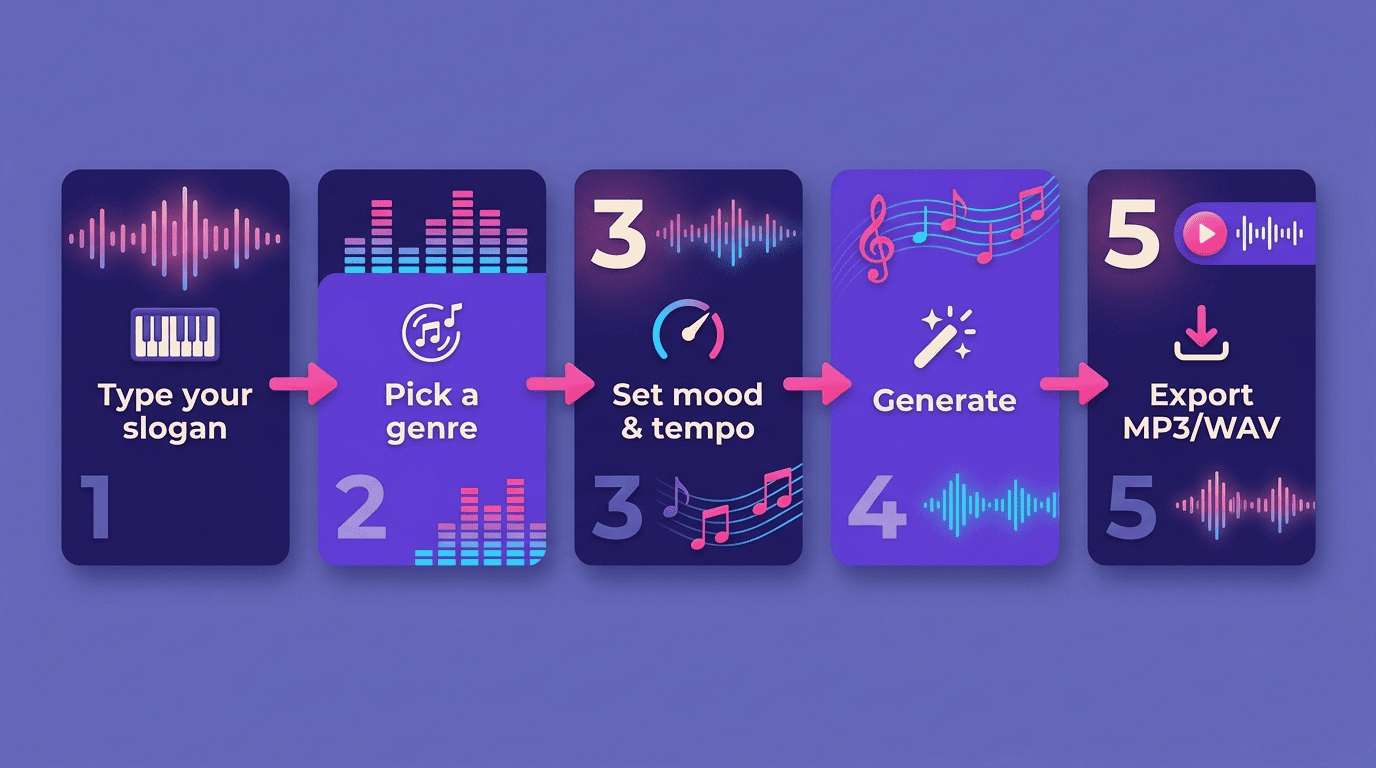
The five-step workflow
- Enter your text — a slogan, tagline, or let the AI write the lyrics from a product description.
- Pick a genre (pop, hip-hop, EDM, jazz, lo-fi, acoustic).
- Set mood and tempo (typically 70-160 BPM), and choose vocals or an instrumental bed.
- Generate — the system returns a clip in seconds.
- Preview, regenerate if needed, and export as MP3 or WAV.
Most platforms follow this same asynchronous five-step flow, and several expose a dozen or more genres, half a dozen vocal styles, a handful of mood presets, and a short character limit on the input text to keep the model focused on one hook rather than a full lyric sheet.
Inputs beyond plain text
You are not limited to typed lyrics. Depending on the AI jingle generator, the accepted inputs typically include:
- A plain text prompt describing mood, genre and the slogan
- Your own pre-written lyrics
- A hummed or sung reference melody
- Reference audio to match a style
- Structured lyric tags such as
[Chorus - Catchy Hook]to force the tagline into the hook section
Some tools also advertise large style libraries with hundreds of genre presets, plus per-instrument exclusion and a vocals/instrumental toggle, which matters when a track needs to sit under a voiceover rather than compete with it.
Writing a Jingle Prompt That Sticks
Lead with brand tone, not just words. The strongest prompts name an emotion and a genre before any lyrics — something like “upbeat, modern electronic tune evoking innovation and trust.” Put the exact slogan in quotation marks so the model treats it as the hook, and spell the brand name phonetically if it is unusual, since pronunciation accuracy is a known weak spot across text-to-music AI systems.
Anchor the tempo to the feeling you want. A slower, warmer tempo (70-100 BPM) reads as trustworthy or reassuring; a faster tempo (130-160 BPM) reads as urgent or energetic. Naming both the mood word and the BPM range removes ambiguity that the model would otherwise have to guess at.
Separate the hook from the description. Keep the slogan itself in quotes, and everything else — genre, mood, instrumentation, length — as plain descriptive text around it. Mixing the two makes it likelier the model sings your genre tag instead of your slogan.
A reusable prompt template
Use this structure: [mood] + [genre] + [tempo] jingle for [brand/product], hook: "[exact slogan]", [vocals or instrumental], [length]. Example: Warm, acoustic-pop, mid-tempo jingle for a family bakery, hook: "Fresh from our oven to your door", female vocals, 15 seconds.
Getting the Length Right: 5-30 Seconds
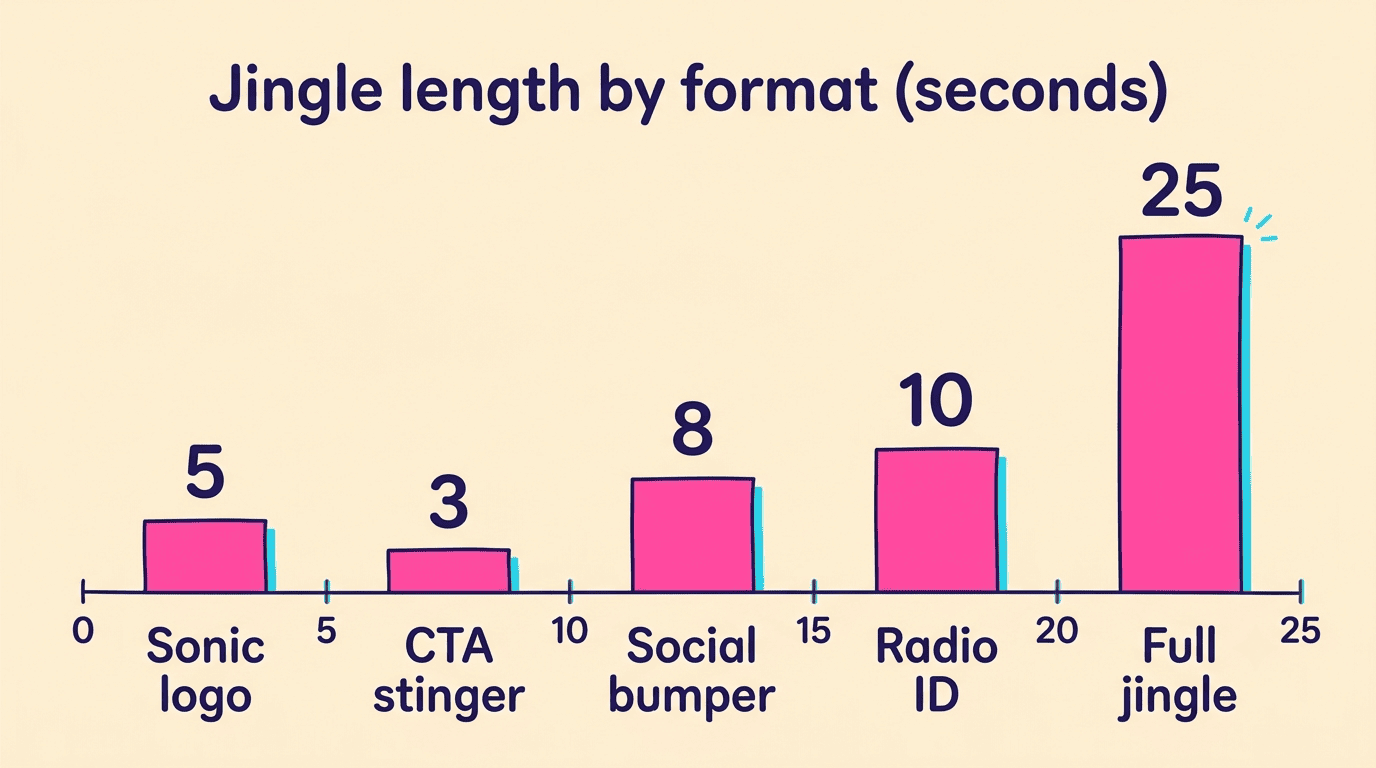
Different ad slots want different cuts, and matching length to placement is the single biggest factor in whether a jingle actually gets used as intended rather than trimmed or looped awkwardly.
| Format | Typical length | Common use |
|---|---|---|
| Sonic logo / audio logo | 3-6 seconds | App launch sound, brand sign-off |
| Social bumper / pre-roll | 4-10 seconds | Recall-focused, skippable-ad intros |
| Radio ID / DJ drop | ~10 seconds | Station identification |
| Full ad jingle | 15-30 seconds | Radio/TV/podcast commercial |
| CTA stinger | 2-4 seconds | Closing tag under the last line |
Match length to the placement
A sonic logo is a 3-6 second signature (think a start-up chime); a pre-roll or social bumper lands best at 4-10 seconds for recall; a radio ID sits around 10 seconds; and a full ad jingle or promo runs 15-30 seconds. Anything longer stops behaving like a jingle and starts behaving like background music.
The call-to-action stinger
Reserve the last 2-4 seconds for a CTA stinger — a rising musical tag under the closing line (“Call now,” “Shop today”). It cues the listener that the ad is ending and the action starts, and AI jingle generators let you produce it either as a separate short clip or as the tagline section of the main jingle.
Examples: Prompts and the Jingles They Produce
Seeing a few worked prompts side by side makes the template above concrete — each one pairs a mood/genre choice with a specific placement from the table above.
- Coffee shop, energetic:
Upbeat indie-pop, 120 BPM, 10s jingle, hook: "Best coffee in town", bright female vocals→ a chirpy morning-radio bumper. - SaaS brand, trustworthy:
Warm electronic, mid-tempo, 6s sonic logo, hook: "[Brand], software that just works", instrumental→ a clean audio logo for app intros. - Retail sale, urgent:
Driving EDM, 140 BPM, 15s jingle with a rising CTA stinger, hook: "Doors open Saturday — don't miss it"→ an ad cut that pushes toward action. - Podcast sponsor read, friendly:
Laid-back lo-fi, 90 BPM, 8s bumper, hook: "Brought to you by [Brand]", light instrumental with a vocal tag→ a soft transition into a sponsored segment.
Iterating instead of settling
Because generation is near-instant, treat the first result as a draft, not a final. Regenerate with a tweaked mood word or a different vocal style, and keep the seed slogan constant so only the music changes between takes.
Commercial Licensing: Read Before You Air It
If a work’s traditional elements of authorship were produced by a machine, the work lacks human authorship and the Office will not register it.
That line comes from the U.S. Copyright Office’s guidance on works containing AI-generated material, and it is the single most important caveat in this entire workflow: a jingle you generate is not automatically “yours” in the way a composition you write by hand would be.
“Royalty-free” is not automatic
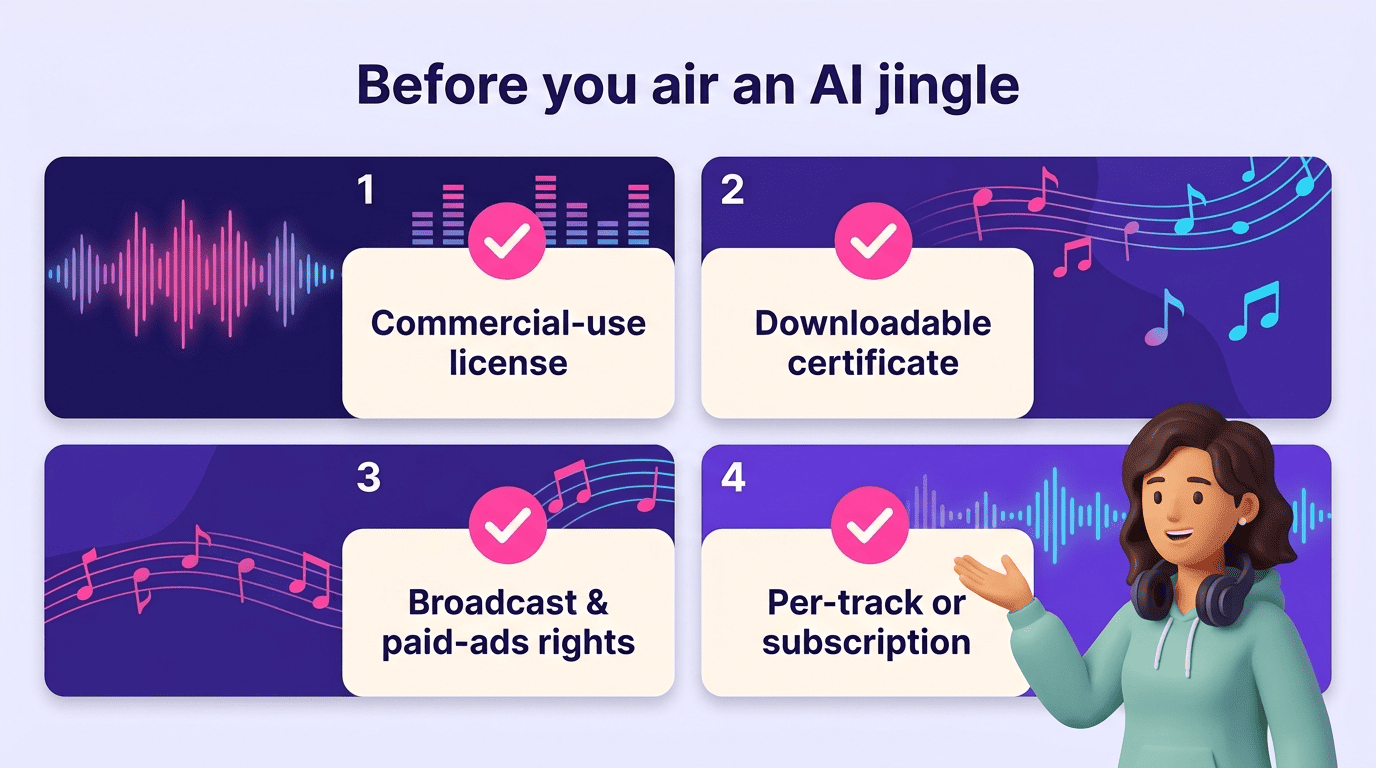
Most AI jingle makers advertise royalty-free, commercially cleared output — but the rights usually attach to a paid plan, and a free-tier clip may be for personal use only. Before you run a jingle in a paid campaign, check for:
- Whether the plan you’re on includes a commercial-use license, not just personal use
- A downloadable license certificate you can produce if a platform or client asks
- Any restriction on broadcast, paid social ads, or resale versus owned-media use
- Whether the license is per-track or tied to your subscription staying active
A number of tools grant the commercial license, and the certificate proving it, only once a paid plan is active — confirm the tier before airing, and keep the certificate on file.
The AI-authorship caveat
There is a second layer beyond the license itself. Because the U.S. Copyright Office treats purely machine-generated material as lacking the human authorship copyright law requires, you may not be able to stop a competitor from reusing an identical AI clip generated from a similar prompt. Your protection comes from the tool’s commercial license and your brand context — not from owning the composition outright — so plan your audio branding accordingly. For a wider view of how the technology behind these tools works, the Wikipedia entry on AI and music covers the underlying generative models.
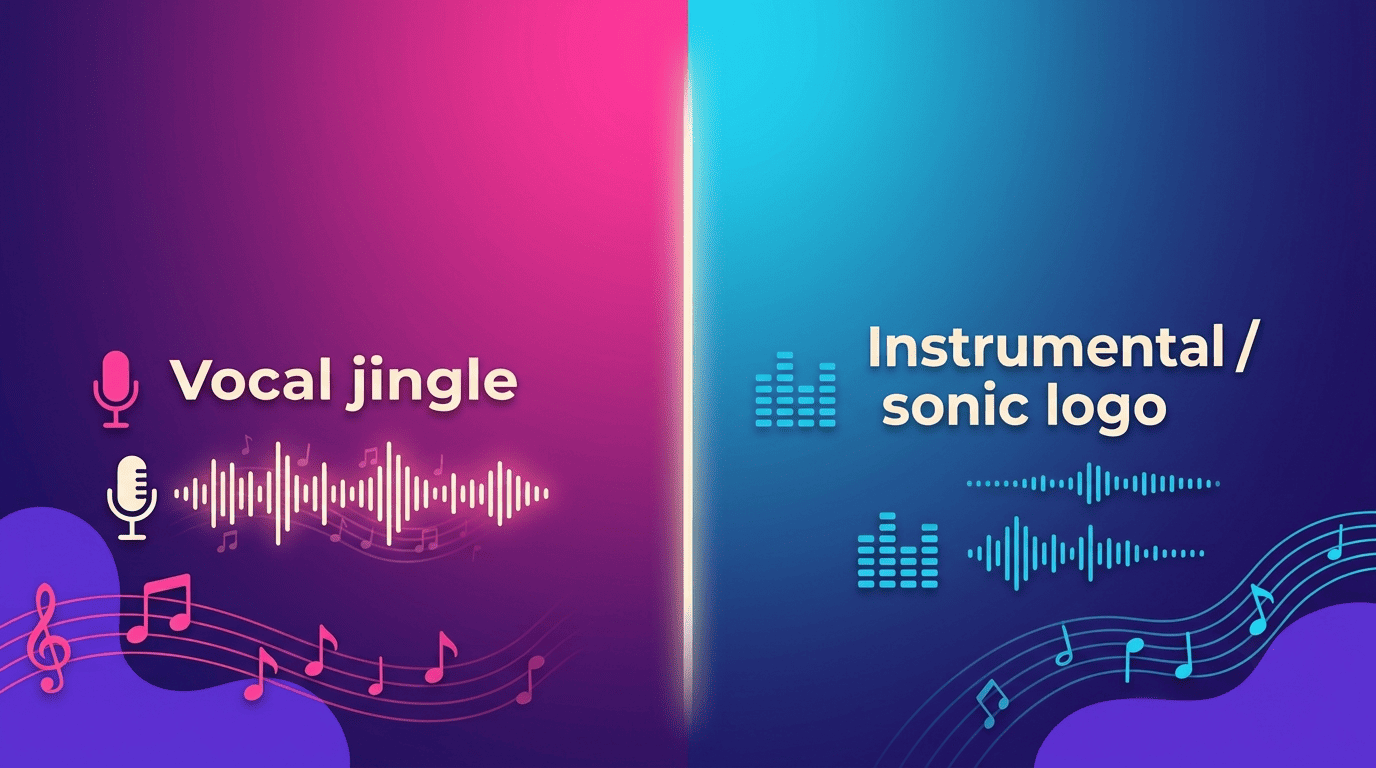
Comparing the Two Core Output Types
Every jingle prompt ultimately resolves into one of two output types, and picking the right one before you generate saves a round of regeneration.
| Attribute | Vocal jingle | Instrumental / sonic logo |
|---|---|---|
| Best for | Radio/TV ads, social bumpers | App sounds, sign-offs, background under voiceover |
| Typical length | 10-30 seconds | 3-10 seconds |
| Carries the slogan | Yes, sung or spoken | No — tagline delivered separately if needed |
| Regeneration focus | Mood, vocal style, tempo | Mood, instrumentation, tempo |