
AI Music for Games: Score Your Whole World From a Text Prompt
Modern games live and die by their soundtrack, yet an original score used to cost an indie team weeks of work and thousands of dollars. With an AI music generator from text, you can now describe a mood in plain English — “tense synth loop for a stealth level” — and get a usable, royalty-free track in under a minute, a shift the U.S. Copyright Office itself has had to weigh in on as AI-made audio spreads through commercial products.
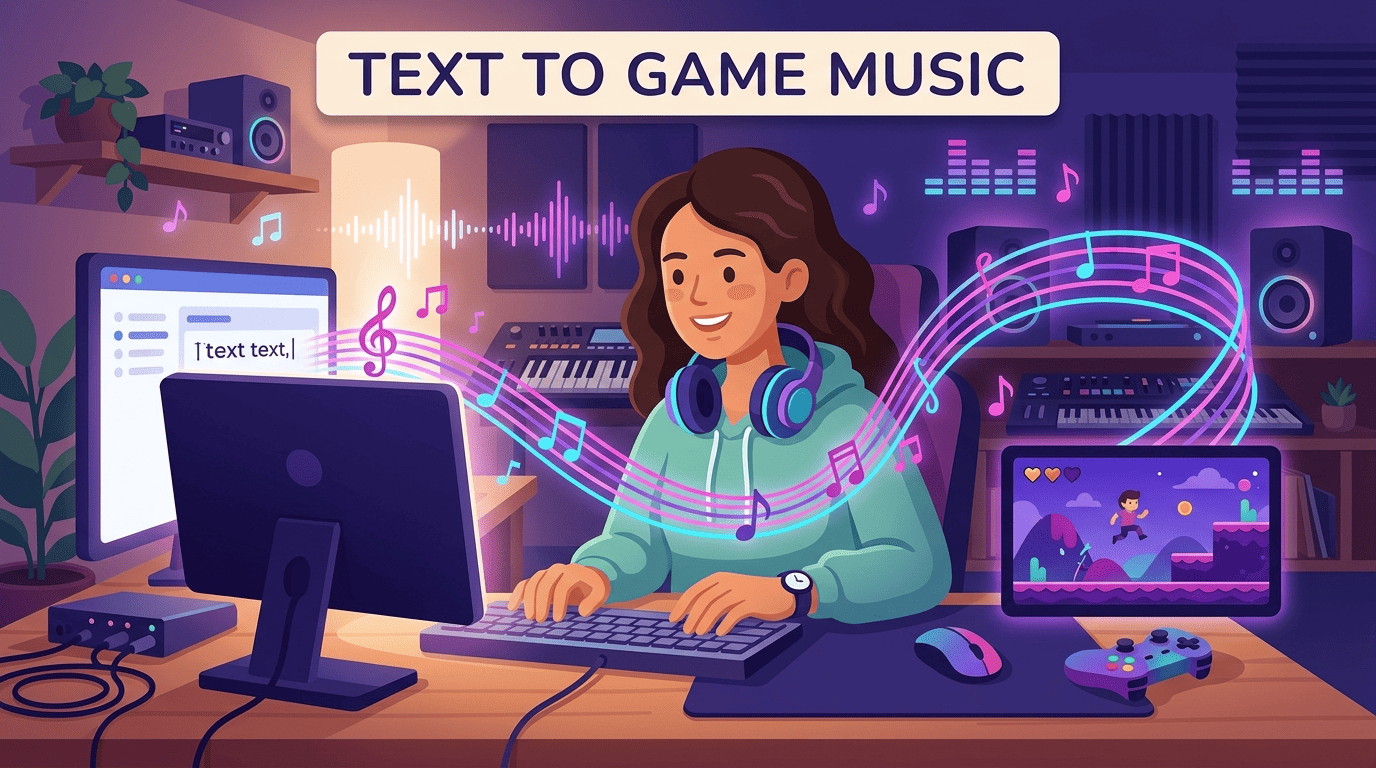
This guide covers how to generate looping background music, menu/level/boss themes, adaptive mood shifts and seamless loops with AI, plus practical implementation tips and one honest licensing caveat every indie dev should read before shipping.
Why AI Music Fits Game Development
Traditional scoring means briefing a composer, negotiating a license, and sitting through revision rounds that can stretch a solo project’s timeline by weeks. An AI game music generator collapses that into a prompt-and-download loop, which is exactly why it fits the iteration speed indie teams actually work at.
Platforms in this space advertise a finished track in “seconds to minutes” rather than weeks, and that speed is what makes it realistic to try five different moods for the same level before picking one. Original music is also one of the most expensive line items for a small studio, so tracks from an AI music from text workflow that ship with a commercial license valid on any storefront remove a per-title fee that used to price small teams out entirely. For a solo developer testing whether a boss fight even feels right, being able to regenerate the music in a new key or tempo in under a minute — instead of re-briefing a composer — changes what’s practical to experiment with.
Generating Looping Background Tracks
Background music in a game has to repeat for minutes at a time without the player consciously noticing the seam where it restarts. That single technical requirement — loopability — is what separates game audio prompting from writing a normal three-minute song.
What a seamless loop actually needs
Purpose-built loop features generate tracks whose end flows back into the start without a fade-out or an audible cut, which matters because a fade-out is the single biggest tell that a “loop” is really just a song set to repeat. A genuinely loopable track keeps its instrumentation, key and rhythmic phrase consistent from the last bar back into the first one, so the ear has nothing to catch on.
Prompting for a loop
Describe the layer, not a song: “calm ambient pad, no drums, evolving texture, loopable” gives cleaner repeats than asking for a full arrangement with a big ending. Keep loops instrumental and avoid one-shot fills, cymbal crashes or key changes near the end — anything that draws attention to a specific moment will draw attention to the restart point too.
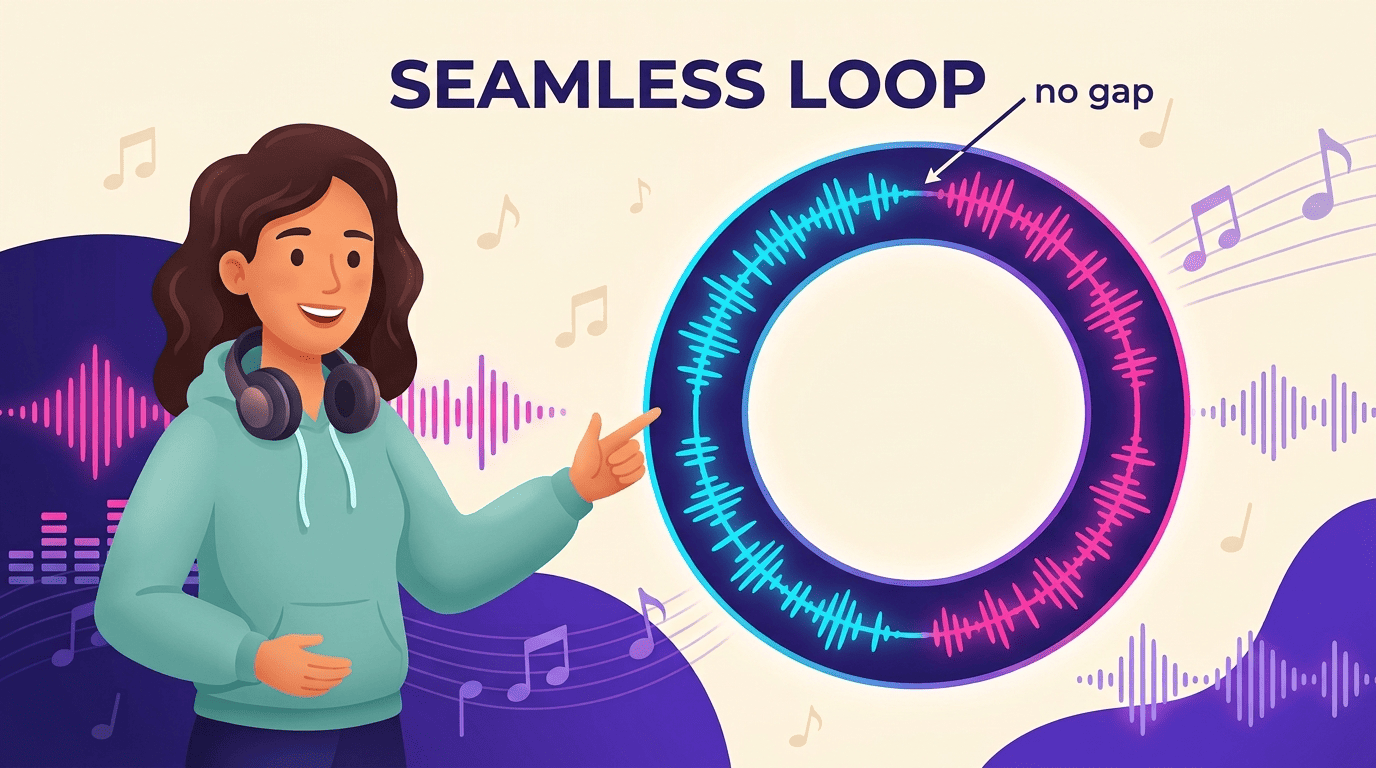
A few quick habits separate a clean loop from one players will notice:
- Do describe texture and instrumentation, not a full song structure with verses and a chorus.
- Do keep dynamics roughly level from the last few seconds back into the first few, so there’s no volume jump at the seam.
- Don’t ask for a “big finish,” key change or tempo ramp — all three create an audible restart point.
- Don’t rely on the player noticing silence; even a few milliseconds of dead air at the loop point reads as a click.
Here’s a practical way to get from a blank prompt box to a track sitting in your engine’s audio folder:
- Decide the layer’s job first — menu bed, exploration loop, or combat loop — before writing a single word of the prompt.
- Describe mood, genre, tempo and instrumentation, in that order, and skip lyrics entirely for background layers.
- Add “loopable,” “no fade,” or “seamless loop” explicitly if the generator has a dedicated loop mode, and enable it.
- Generate two or three variations at the same settings — AI output varies run to run, and one take usually loops more cleanly than the others.
- Export as WAV, not MP3, to avoid compression artifacts landing right at the loop point.
- Set the exact loop start/end sample in your engine’s audio import settings rather than relying on the file’s natural length.
- Playtest the loop for at least three full repeats with headphones before calling it done — seams are far more audible on a third listen than a first.
Menu, Level and Boss Themes
Each screen in a game wants a different emotional register, and a generator’s style, mood and tempo controls are what let a single tool cover a menu, an exploration level and a boss fight without switching platforms. A calm, inviting menu loop, steady and unobtrusive level music, and a high-intensity boss theme are really three separate prompting jobs stitched into one soundtrack.
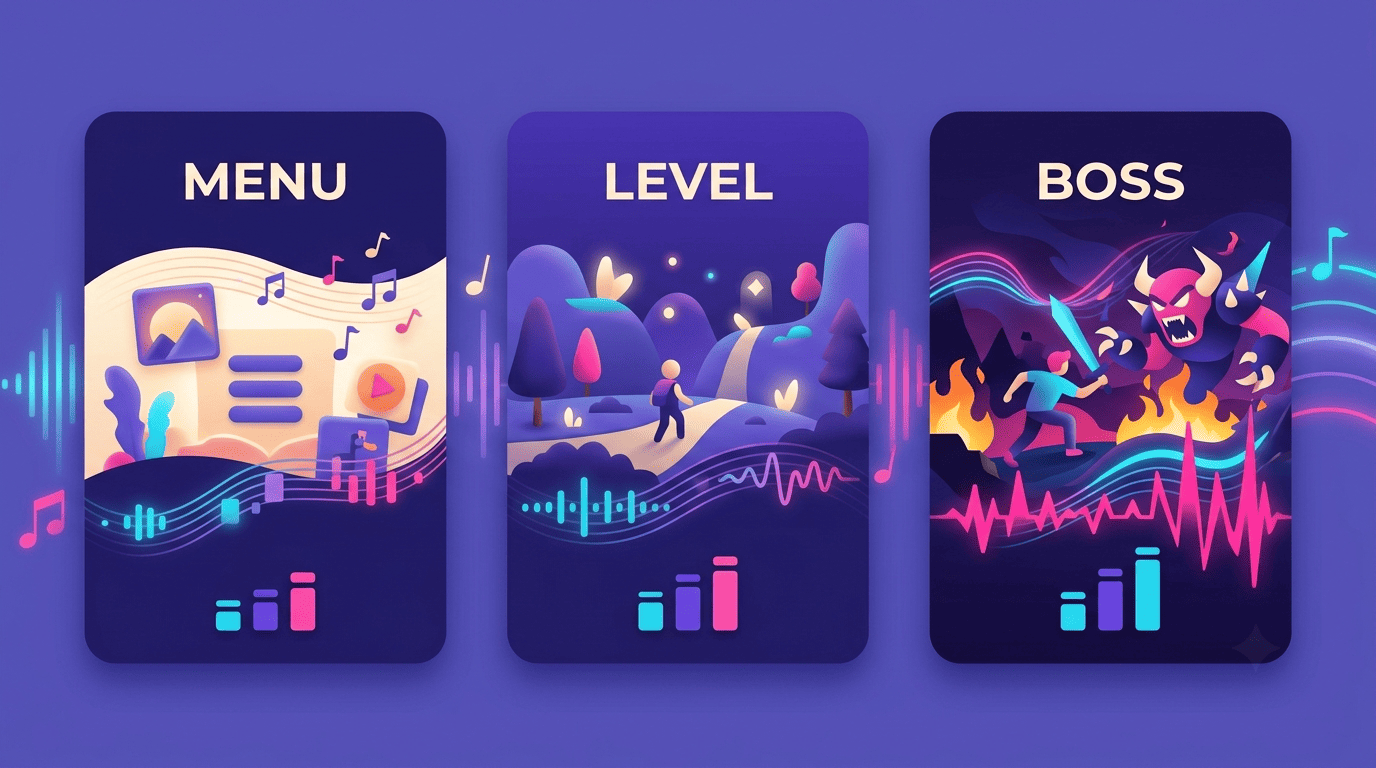
A short prompt recipe for each game moment keeps results consistent across a project instead of drifting in style from level to level:
| Game moment | Prompt recipe | Typical tempo/feel |
|---|---|---|
| Menu | “Warm ambient synth, welcoming, slow, loopable” | Slow, inviting |
| Exploration level | “Light orchestral, curious, mid-tempo” | Mid-tempo, open |
| Boss battle | “Aggressive hybrid orchestra + rock drums, driving, epic” | Fast, high intensity |
| Victory / fanfare | “Short triumphant fanfare, brass-led, no loop needed” | Brief, one-shot |
Keep individual prompts short and front-loaded with the words that matter most — mood, genre, tempo — since most generators cap input length and truncate anything after a few hundred characters. Leading with “retro arcade chiptune” or “orchestral boss battle” gets a cleaner style match than burying the genre in the middle of a long descriptive paragraph.
Adaptive and Dynamic Music
Big-budget games treat the score as a system, not a file, and that’s the model worth copying even without a full middleware budget. Red Dead Redemption 2 shifts its music in response to the player’s actions in the world, No Man’s Sky uses a generative music system that recombines a large sound library in real time as you explore, Civilization VI’s score changes by historical era, and Hellblade: Senua’s Sacrifice uses binaural audio and voices that reflect the protagonist’s mental state. None of that is a single audio file — it’s layers and variants selected in real time by game logic, a technique documented broadly as adaptive game music.
You don’t need a procedural engine to fake a convincing version of that with AI-generated tracks, and this is where AI music from text earns its keep over a static licensed track. Generate the same theme at two or three intensities — calm exploration versus full combat — and swap between them on a trigger. Or export stems (drums, bass, pads) from a single generation and mute or unmute layers in code as tension rises, which is close to how commercial adaptive-audio middleware like Wwise and FMOD implements vertical layering under the hood.
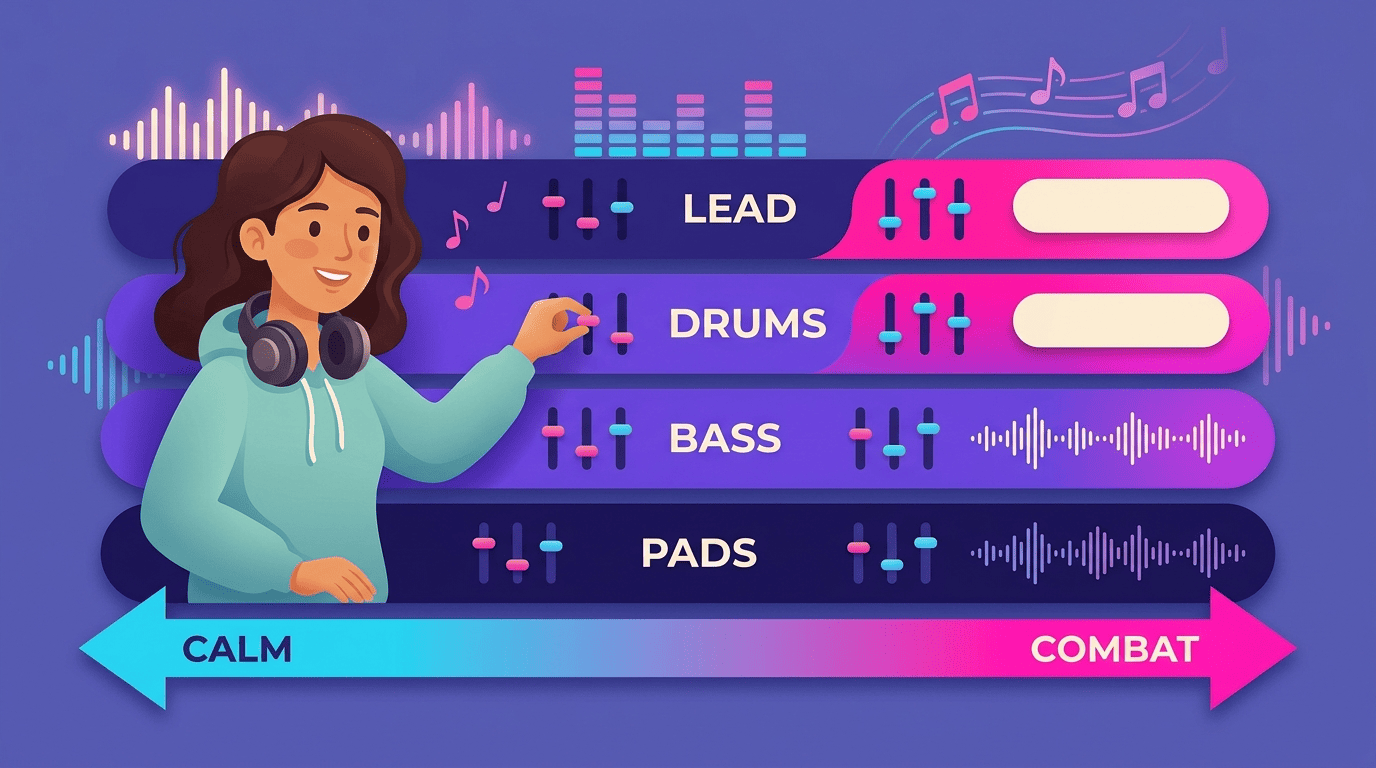
Treat “adaptive” as a spectrum, not a feature you either have or don’t. Even switching between two static AI-generated tracks on a state change — safe zone versus danger zone — reads as adaptive to a player, and it’s a fraction of the implementation cost of a true procedural system. Common triggers worth building a state change around:
- Enemy detection: calm exploration layer crossfades to a tense or combat layer.
- Health threshold: a low-health state ducks the music bed and adds a sparse, urgent motif.
- Objective progress: the theme intensifies as the player nears a goal or boss door.
- Area transition: a new biome or level section swaps the ambient layer entirely.
Implementing AI Music in Your Engine
Getting a generated track from a download folder into a working build is mostly a file-format and import-settings problem, not a creative one, so it’s worth getting right once rather than re-learning it per project. Any text-to-music AI built for this use case exports formats a game engine already understands, so the extra step is import settings, not conversion.
File formats and engines
AI tools typically output MP3 and WAV, both of which drop into Unity, Unreal Engine, Godot and GameMaker without conversion. The choice between them matters more than it looks:
- WAV for looping background music — lossless, so there’s no compression artifact sitting exactly at the point the track cuts back to its start.
- MP3 or OGG for one-shot sounds like victory fanfares or menu stingers, where file size matters more than sample-perfect looping.
- WAV for anything that will be re-exported as stems and layered later, since re-compressing a compressed file degrades it further.
- MP3/OGG for any track that plays once per session and never repeats, to keep build size down on mobile.
Stems and middleware
For layered adaptive audio, export stems and route them through middleware such as Wwise or FMOD, or through your engine’s own audio mixer, crossfading layers on game events. Both Unity’s and Unreal Engine’s official audio documentation cover setting precise loop points on import — use that setting rather than trusting a track’s raw file length, since even a WAV can have a few milliseconds of silence at the head or tail that throws off a sample-accurate loop.
The Licensing Caveat Every Indie Dev Must Read
“Royalty-free” only means no per-use fee — it says nothing about who owns the copyright, and that distinction is exactly where indie developers get tripped up. Some platforms grant a non-exclusive, perpetual commercial license while the platform itself keeps ownership of the underlying track, and explicitly prohibit reselling or registering the music as your own; others advertise full ownership transfer to the user. Read the specific terms for the tool you used, not the general marketing page.
| License model | What you typically get | What’s usually restricted |
|---|---|---|
| Non-exclusive commercial license | Right to use the track in your shipped game, on any storefront | Reselling the track standalone, registering it as your own copyright |
| Full ownership transfer | Copyright in the generated track assigned to you | Still subject to the platform’s underlying terms of service |
Neither model is inherently better — a non-exclusive license is often enough for a single shipped title, while full ownership matters more if you plan to license the same score to a sequel, a trailer, or a separate soundtrack release down the line. What matters is knowing which one you actually signed up for before you rely on it in a contract with a publisher.
There’s also a copyright question sitting above the licensing one. Because AI models train on large libraries of existing compositions, there is a documented risk that a generated output resembles copyrighted work closely enough to raise a dispute. On the ownership side, the U.S. Copyright Office has taken a clear public position on how much human authorship a work needs:
If a work’s traditional elements of authorship were produced by a machine, the work lacks human authorship and the Office will not register it.
U.S. Copyright Office, Federal Register
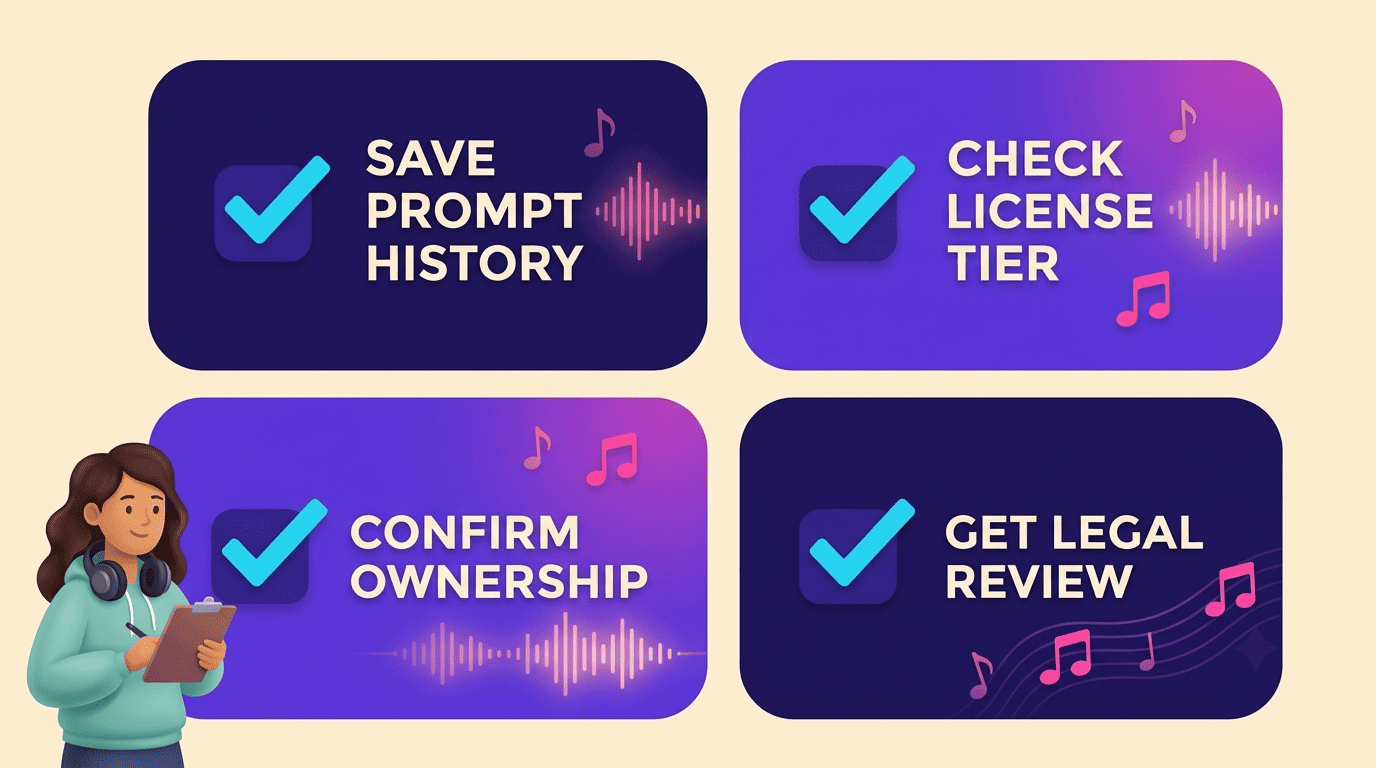
That matters for a shipped game because it affects whether you can register — and therefore enforce — the score as part of your IP. Before release, run through a short checklist:
- Save your prompt history and generation records for every track you ship, in case you need to prove provenance later.
- Check the exact license tier for commercial use and distribution rights, not just the free-tier terms.
- Confirm whether the platform or you hold copyright ownership of the output.
- Avoid registering AI-generated tracks as fully original human-authored work without a legal review first.