
AI Music for Podcasts: How to Make Intros, Outros, and Background Beds from a Text Prompt
Every recognizable show has a sound — and today you can build that sound in minutes by typing a description, no studio required. An AI music generator from text turns a short prompt like “warm upbeat lo-fi intro, 10 seconds” into a finished, royalty-free track for your podcast.
This guide covers the four jobs music does in a podcast — intros, outros, transition stingers, and background beds — plus how to match your brand, set the right length and loudness, and stay on the safe side of licensing. The ranges below are the practical numbers working podcasters actually use, cross-checked against Apple’s and Spotify’s own loudness specs.
The Four Jobs Music Does in a Podcast
A podcast episode is really four separate audio problems, and each one needs its own short piece of music. Naming them before you open a generator saves a lot of re-prompting later.
Intro, outro, sting, and bed — what each one does
Four distinct roles make up a typical episode. The intro is a 5-15 second signature that plays before your voice — the sonic logo listeners learn to recognize. The outro, usually 10-20 seconds, plays under closing remarks and should resolve warmer than the intro, giving the episode a sense of closure.
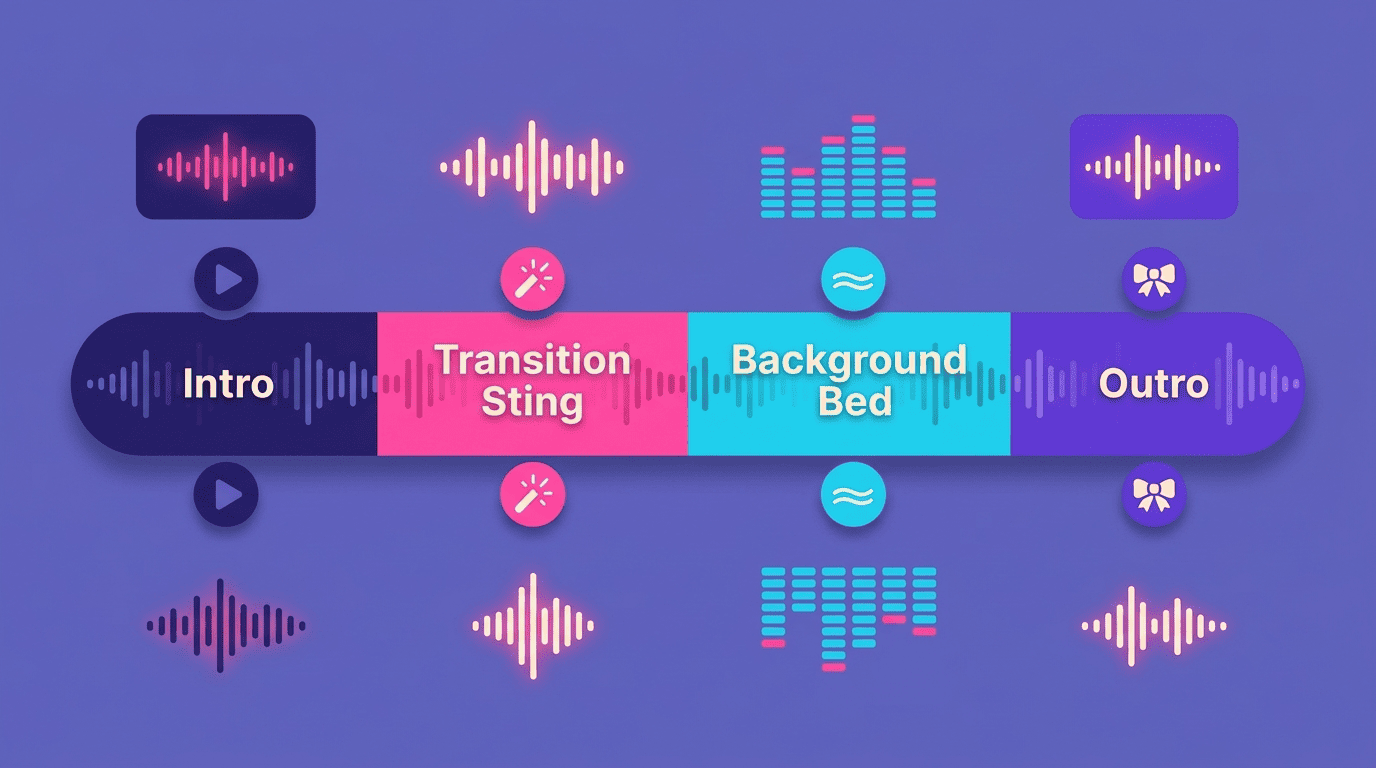
A transition sting is a short 3-5 second cue between segments, appearing roughly 2-3 times in a 30-minute episode. The background bed is continuous music that sits under narration for as long as the segment runs — it’s meant to be felt, not consciously noticed.
Why a text prompt is the fastest way to get them
With a text-to-music AI you describe the mood, genre, tempo, and length in plain words and get a finished track in about a minute, instead of paying $200-500 for a composer or a licensed stock-music subscription. Prompt each role separately — one prompt for the intro, one for the bed, one for the sting — rather than trying to stretch a single track across all four jobs.
- Intro: 5-15 seconds, high-energy, sets the show’s identity
- Outro: 10-20 seconds, warmer resolution, signals the episode is ending
- Transition sting: 3-5 seconds, marks a segment change
- Background bed: continuous, low-level, mixed under dialogue
Writing Prompts That Match Your Brand and Tone
The quality of the output depends almost entirely on how specific the prompt is. Vague requests like “podcast music” return generic results; prompts that name mood, genre, tempo, and instrumentation return something you’d actually keep.
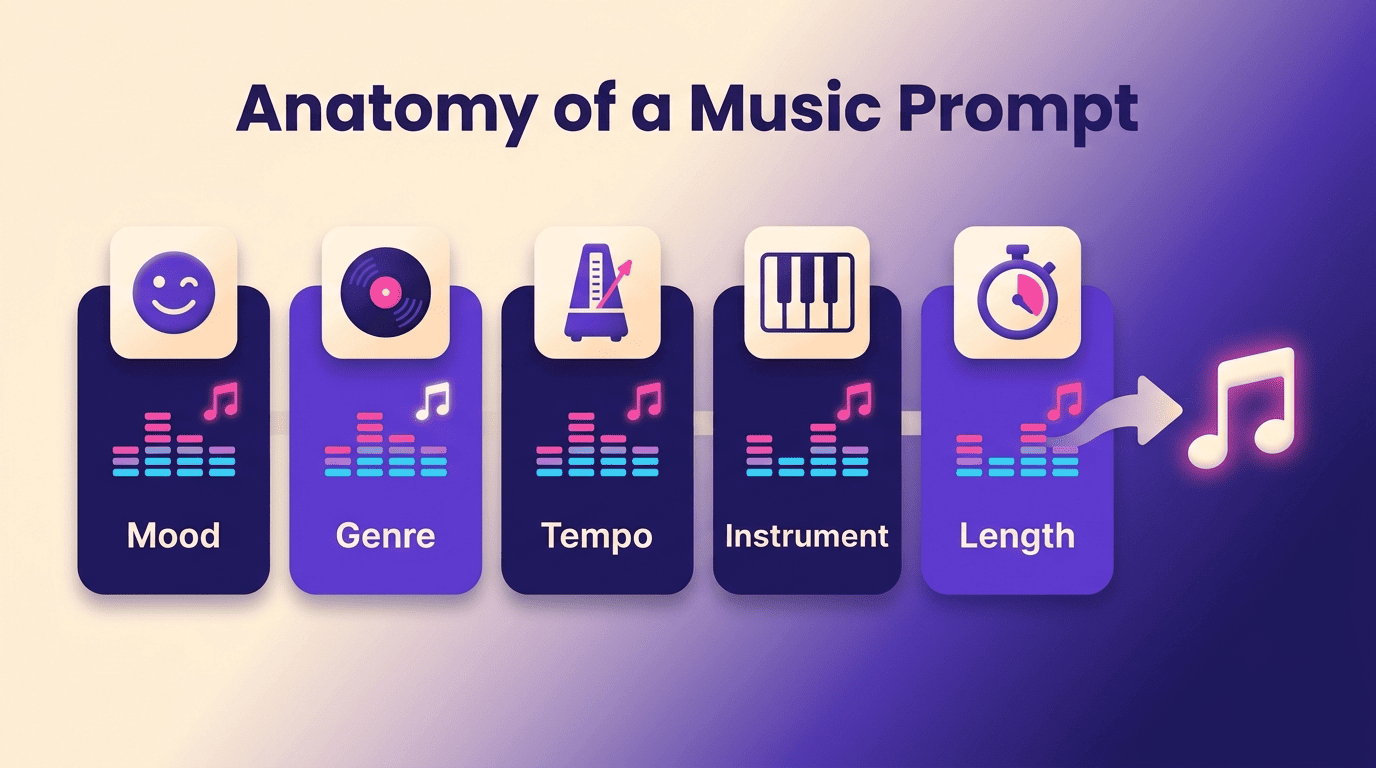
Name five things in every prompt. State the mood (calm, energetic, mysterious), the genre (lo-fi, cinematic, jazz), the tempo (slow, medium, fast, or a BPM figure), a lead instrument (piano, synth, acoustic guitar), and a target length. A working example: “confident cinematic intro, mid-tempo, deep synth bass and light strings, 12 seconds.”
Put the hook in the first three seconds. That’s roughly how long a listener takes to decide whether to keep the volume up or skip ahead, so the most memorable element — a riff, a chord stab, a rhythmic pulse — should land immediately rather than building slowly.
Keep the main intro energy inside 8-12 seconds. Anything the prompt asks for beyond that window should be treated as an optional tail, not the core hook, since most listeners have already formed an impression of the show by then.
Reuse one theme across episodes. Generate the intro, outro, and sting from variations of the same core prompt — a shorter sting, a stripped-back bed — so the whole set sounds like one family rather than four unrelated clips. Brand recognition around a recurring theme typically builds after 10-20 episodes of consistent use.
A prompt built from these five elements is easy to reuse and tweak later:
- Mood: how the show should feel (calm, energetic, mysterious, playful)
- Genre: the musical style (lo-fi, cinematic, jazz, electronic)
- Tempo: slow, medium, fast, or an exact BPM
- Lead instrument: piano, synth, acoustic guitar, strings
- Length: the exact duration for that role (5-15 s intro, 10-20 s outro, 3-5 s sting)
Length and Loudness: The Numbers That Matter
Getting the mood right is only half the job — a track that’s too long, too short, or mixed too loud undermines even a perfectly on-brand prompt.
How long each piece should be
Intros run 5-15 seconds for most shows, though a scripted cold open can stretch to 30. Outros sit at 10-20 seconds, and transition stings stay tight at 3-5 seconds.
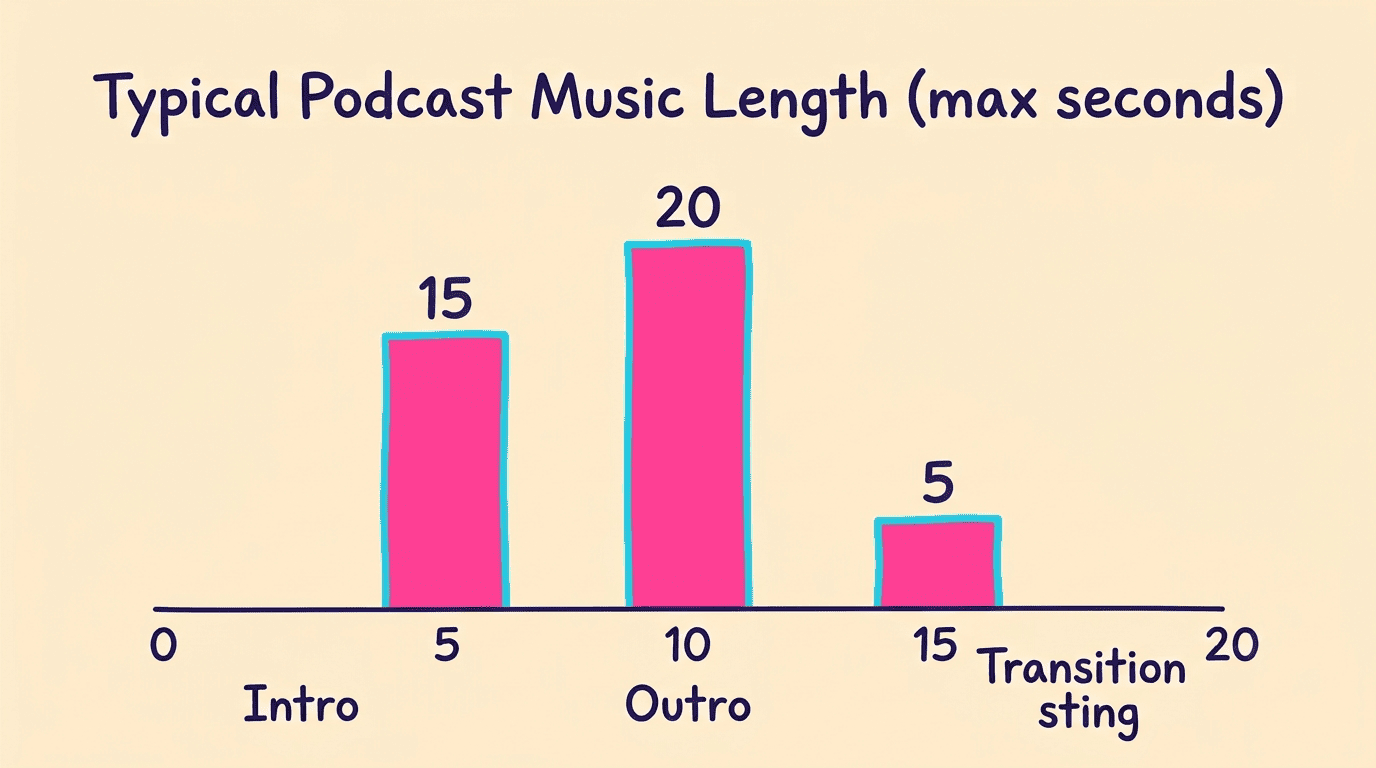
Background beds simply run as long as the segment they cover. When a generated track lands a little long, it’s easier to trim in your editor than to re-prompt for an exact duration.
Loudness targets and mixing under the voice
Apple Podcasts’ loudness specification targets about -16 LUFS integrated for stereo episodes (-19 LUFS for mono), and Spotify normalizes playback to roughly -14 LUFS regardless of how a file was mastered. Tuck a background bed 20-25 dB below the voice, and prompt for music that sits outside the vocal frequency range so it never masks speech. Ducking — automatically lowering the bed’s volume whenever someone talks — handles this in real time; some editors do it manually with stem separation instead.
| Role | Typical length | Level vs. voice |
|---|---|---|
| Intro | 5-15 s | full |
| Outro | 10-20 s | full |
| Transition sting | 3-5 s | full |
| Background bed | segment length | -20 to -25 dB |
The two platforms measure loudness differently, so a single master file behaves differently depending on where it plays. Aim for the stricter Apple target first — a stereo episode that lands at -16 LUFS will sound correct on Apple Podcasts and won’t get pushed around much by Spotify’s normalization on the way out.
| Platform | Target loudness | True peak max |
|---|---|---|
| Apple Podcasts (stereo) | -16 LUFS | -1 dBTP |
| Apple Podcasts (mono) | -19 LUFS | -1 dBTP |
| Spotify (normalized on playback) | -14 LUFS | -1 dBTP |
Loudness normalization means that a very loud or overly compressed file won’t be louder to a Spotify listener than one that follows creative loudness recommendations, so mixing to spec matters more than mixing hot.
Spotify for Artists
Once the loudness targets are set, the rest of the mixing process is repeatable from episode to episode. Here’s the workflow most podcasters settle into after their first few tracks:
- Write a five-part prompt (mood, genre, tempo, instrument, length) for each role — intro, outro, sting, bed.
- Generate the intro first and treat its main hook as the reference theme for the rest of the episode’s music.
- Generate the outro, sting, and bed as variations on that same theme so they sound related.
- Trim each track to its target length and check the bed sits at -20 to -25 dB under a sample voice track.
- Master the full episode to roughly -16 LUFS stereo before export.
- Export as WAV or 320 kbps MP3 and file the license confirmation alongside the audio.
Licensing: Is AI Music Safe on Spotify and Apple Podcasts?
A track that sounds perfect is worthless if it triggers a copyright claim after publication, so licensing terms deserve as much attention as the prompt itself.
What “royalty-free” actually grants you
Royalty-free means you pay once — or nothing — and owe no per-play fees, but the exact rights still vary by provider. Some generators grant a non-exclusive, perpetual commercial license while keeping ownership of the underlying track; others hand over full ownership and commercial rights, including use in ads and sponsored segments.
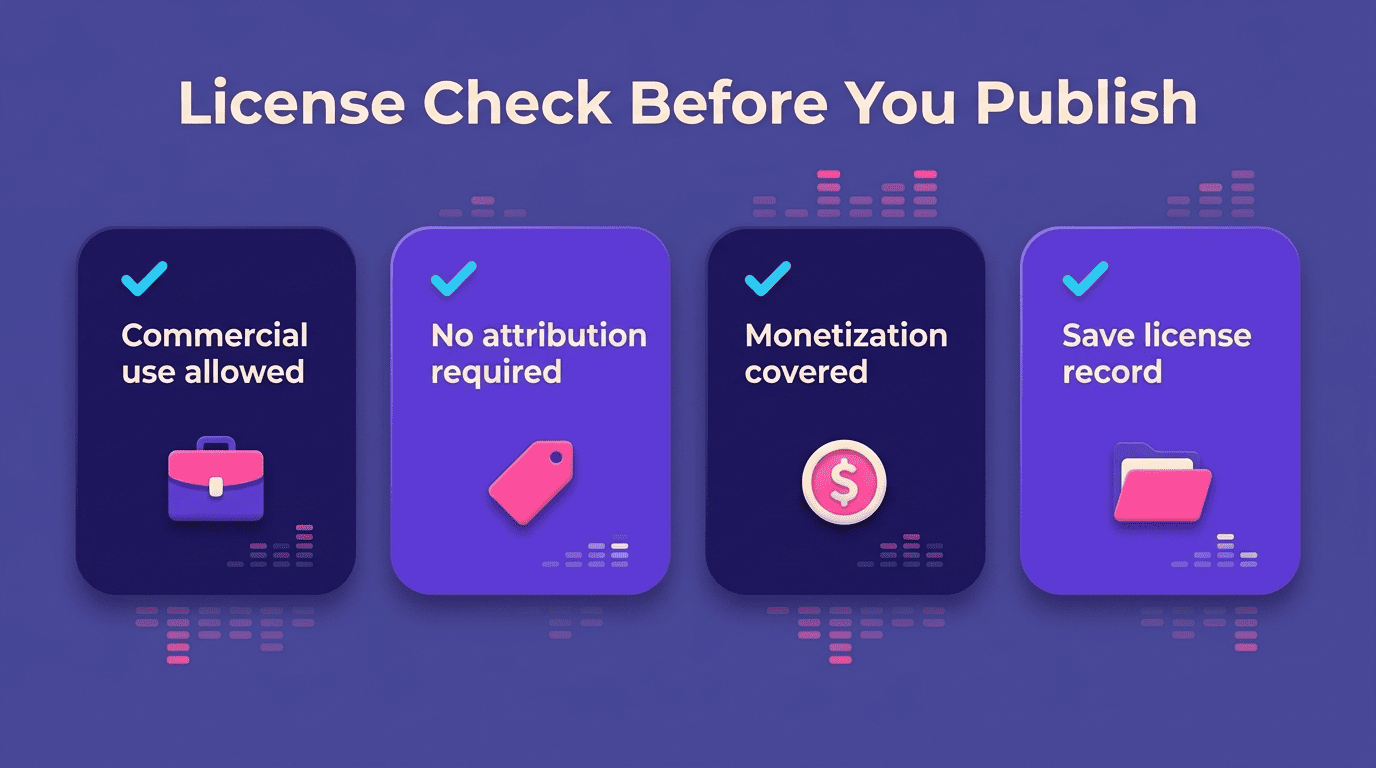
Before publishing, confirm three things: commercial use is explicitly allowed, no attribution is required (some free tiers demand a credit line), and monetized or ad-supported episodes are covered by the terms.
Copyright caveats every podcaster should know
A single copyright complaint can pull an entire channel offline while it’s under review, so keeping a download record and license confirmation for every track is worth the extra minute. The legal status of AI-generated audio is also still settling: the U.S. Copyright Office has noted that purely AI-generated output may not qualify for copyright protection on its own, which affects how “exclusive” a theme really is even after you’ve paid for it. Export a clean master — WAV or 320 kbps MP3 — and avoid re-registering an AI-generated track as an original composition on streaming platforms. Generating each track with an AI music from text tool that spells out its license terms up front keeps this record-keeping simple.
- Confirm commercial use is permitted, not just personal use
- Check whether attribution is required on free or trial tiers
- Verify monetized and ad-supported episodes are explicitly covered
- Keep the license confirmation and download date for every track used