
Are AI Music Generators Royalty-Free? What the License Really Grants
Most AI music generators advertise “royalty-free” output, and for tracks made with a good AI music generator from text that usually means no per-use royalty payments. But according to a legal guide from Fish Audio, “royalty-free” is a licensing status set by each platform’s terms of service — not a guarantee that the music is yours to do anything with.
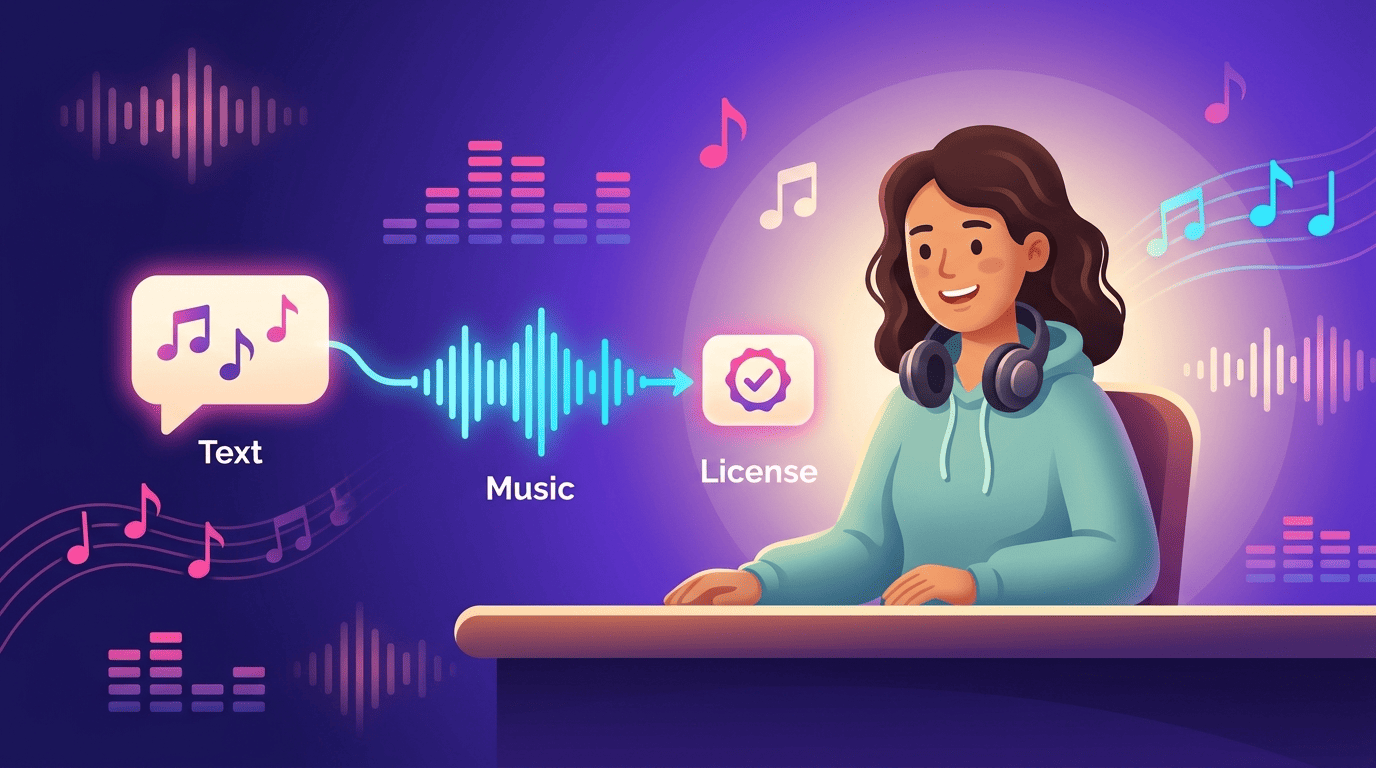
The honest short answer is: it depends on the specific tool’s license. This guide covers what royalty-free actually grants, how it differs from copyright-free, who owns AI-generated tracks, and how license terms vary from tool to tool. This is general information, not legal advice — always check the specific tool’s current license before you publish.
What “Royalty-Free” Actually Means
Royalty-free is a commercial term, not a statement about who owns the copyright. It describes how you pay for a license, not whether the underlying work is protected.
Royalty-free is a license, not a price
Royalty-free means that once you hold a valid license, you pay no ongoing royalty each time the track is played, streamed, or viewed — one purchase or subscription covers unlimited uses within the scope the license defines. It does not mean the music costs nothing, and it does not mean the copyright disappears. As Somio puts it in its explainer on AI music copyright, “usage rights depend on the platform’s license terms, not just copyright law.” The AI-generated tracks and AI-generated background music you download are still governed by whatever contract you agreed to when you signed up.
Royalty-free vs copyright-free vs public domain
These three terms get used interchangeably online, but they describe different legal states. Royalty-free music is still under copyright — you have a license to use it, and you pay no per-use fee. Copyright-free means the work carries no active copyright protection at all. Public domain means the work is owned by no one and free for anyone to use however they like. Most music labeled “royalty-free,” including the bulk of AI-generated tracks, falls into the first category: licensed, not unowned.
| Term | Still copyrighted? | What you get |
|---|---|---|
| Royalty-free | Yes | A license to use the track without paying per play/stream/view |
| Copyright-free | No | The work has no active copyright protection |
| Public domain | No, owned by no one | Free use for any purpose, no license needed |
Are AI Music Generators Royalty-Free by Default?
There is no blanket “yes.” According to BUZZMUSIC’s guide on AI music licensing, being AI-generated does not automatically mean a track is royalty-free, copyright-free, or safe for commercial use. Whether your output is royalty-free — and for which uses — is decided entirely by the license attached to the platform you generated it on.
The answer: it depends on the tool’s terms
Two AI music generation tools can both market themselves as “royalty-free” and still grant very different rights once you read the fine print. Before you treat any AI-generated music as safe for a client project, an ad, or a YouTube channel, check what the license text attached to your specific plan actually covers:
- Whether commercial use is included on your tier, or reserved for a higher plan
- Whether ownership of the track transfers to you, or you only get a usage license
- Whether streaming/DSP distribution is allowed, restricted, or banned outright
- Whether attribution or a credit line is required
- Whether the license is perpetual or tied to an active subscription
Free tiers vs paid plans
On many generators, the free tier is for preview or personal use only — output is watermarked, and commercial rights are excluded — while royalty-free commercial use unlocks on a paid subscription. This is one of the most common mistakes creators make: downloading a track on a free plan and assuming the same rights apply as on the paid tier. Always confirm which tier you’re on before publishing.
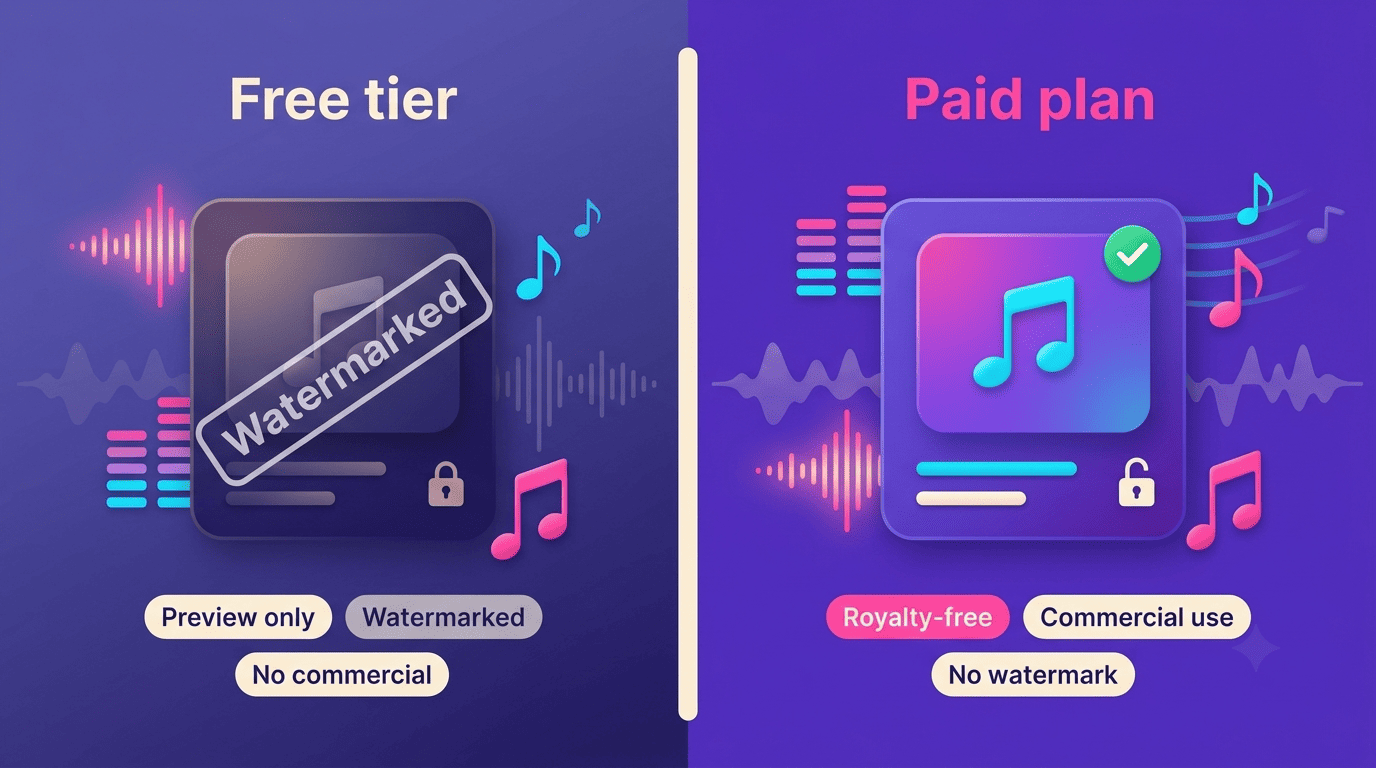
Beyond the free-vs-paid split, a mini checklist helps before you rely on any AI-generated track commercially:
- Confirm the plan you’re subscribed to (free, Creator, Artist, or equivalent).
- Read the license section of the tool’s terms of service, not just the pricing page.
- Check whether the license covers your specific platform (YouTube, a podcast, a paid ad, a streaming release).
- Check whether ownership transfers to you or you only receive a usage license.
- Save a copy of the license terms or your purchase receipt as proof of rights.
- Verify whether attribution is required or optional.
- Re-check the license if you plan to modify or redistribute the track later.
Who Owns AI-Generated Music?
Ownership and the right to use a track are two separate questions, and AI music platforms often answer them differently.
Copyright law and human authorship
The U.S. Copyright Office has held that copyright protects works of human authorship, and that material generated purely by a machine, with no creative human input, is generally not eligible for copyright registration. Its 2023 guidance on works containing AI-generated material states:
If a work’s traditional elements of authorship were produced by a machine, the work lacks human authorship and the Office will not register it.
U.S. Copyright Office
This is the legal-info part of this guide, and it comes with a caveat: the rules differ by country and are still evolving. Per Fish Audio’s legal guide on AI-generated content, the EU generally ties copyright to originality stemming from a human creator, while the UK’s Copyright, Designs and Patents Act 1988 includes a narrower provision specifically for computer-generated works. None of this is settled globally, and it keeps changing — treat it as a starting point, not a final answer, and check current guidance from the U.S. Copyright Office or Wikipedia’s overview of AI and copyright for updates.
Ownership vs usage rights (the key catch)
Even when a platform calls its output “royalty-free,” what you typically receive is a license to use the track — not ownership of it. Beatoven.ai’s terms describe a “non-exclusive perpetual licence,” and state plainly that “Beatoven.ai will still be the owners of the tracks generated and downloaded,” even after you’ve paid for commercial use. Other tools take a different approach: Envato Elements frames your text prompt as creative direction and grants broader commercial rights per generated output. The practical question when you’re deciding whether a track is safe to publish isn’t “who holds the abstract copyright” — it’s “what does my license actually let me do.”
How Licenses Differ From Tool to Tool
Streaming distribution — putting an AI-generated track on Spotify, Apple Music, or another DSP — is where AI music generator licenses diverge the most sharply.
Beatoven.ai draws a hard line on streaming. Its terms state it does “not allow direct distribution of music created with beatoven.ai on music streaming platforms such as Spotify, Apple Music etc.” Even a paid, commercial-use license from Beatoven does not clear the way to release the raw track on a DSP.
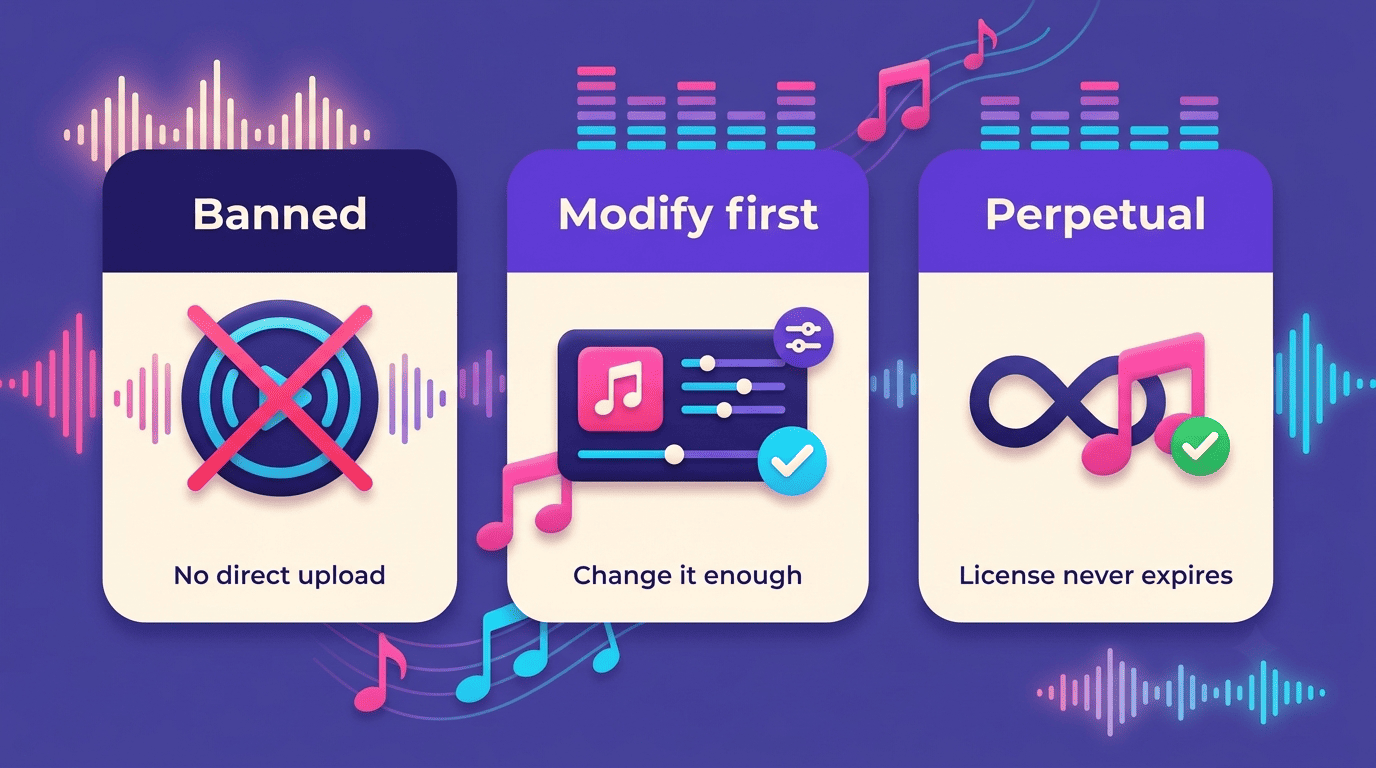
SOUNDRAW takes a modification-based approach. Its license permits distribution on streaming platforms only if you modify the generated beat enough that the final song sounds “clearly different” from the original — distributing a SOUNDRAW track without modifying it is explicitly listed as not allowed. Separately, for certain unmodified content types such as meditation, lo-fi, and relaxation tracks, the license lets you keep that content published only while your SOUNDRAW subscription stays active.
Envato Elements grants a perpetual commercial license covering a broad range of uses per generated output, according to its AI music licensing guide.
These are three real examples, not an exhaustive list — terms change, and the only way to know what applies to you is to read the current license on the tool you’re actually using.
A quick comparison
| Tool | Ownership transfers? | Streaming/DSP allowed? | Attribution required? |
|---|---|---|---|
| Beatoven.ai | No — platform retains ownership, you get a license | No — direct distribution on Spotify/Apple Music prohibited | Not required |
| SOUNDRAW | Check the license | Only if the beat is modified to sound “clearly different”; distributing unmodified tracks isn’t allowed | Not required |
| Envato Elements | Check the license | Check the license | Optional (suggested credit line) |
| Other tools | Check the tool’s license | Check the tool’s license | Check the tool’s license |
Subscription Tiers and Commercial Rights
Paying more usually means the license scope gets wider, not just that you get more downloads.
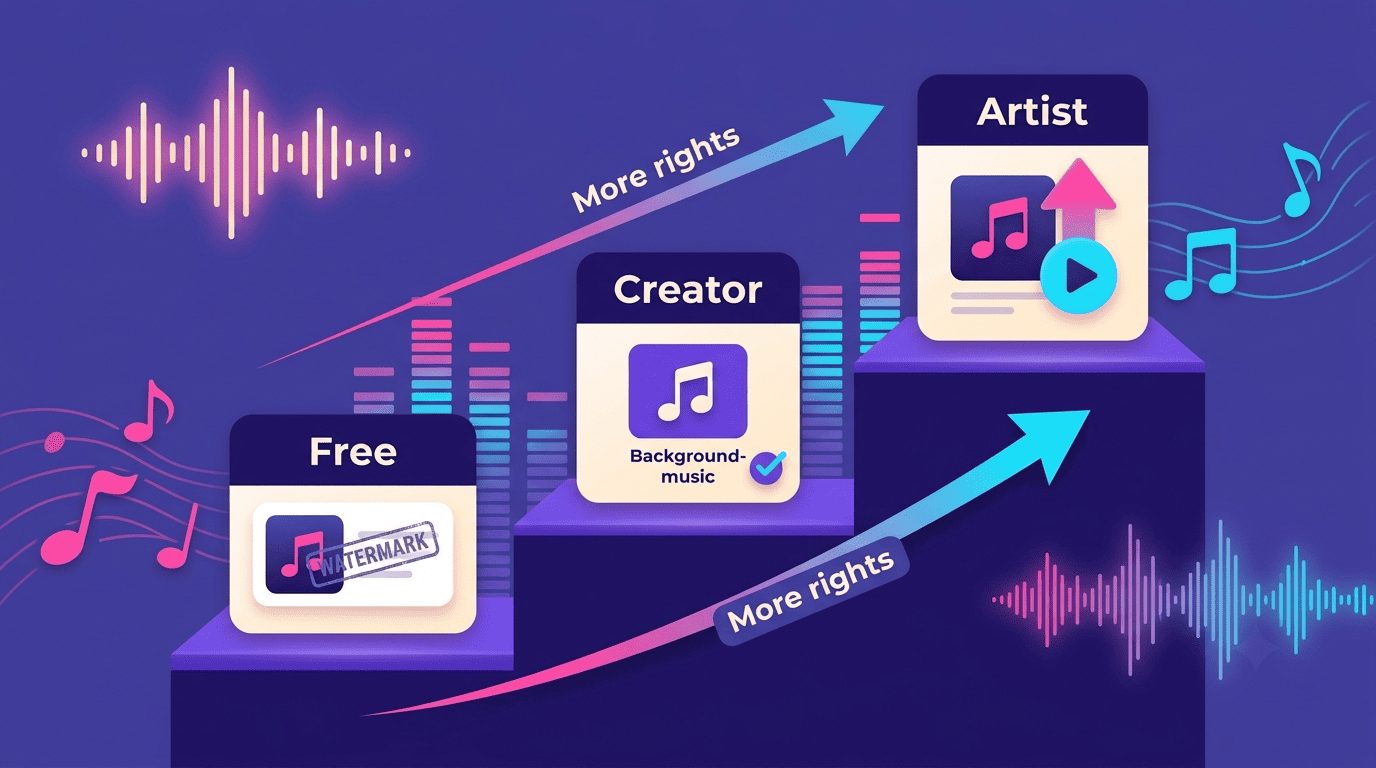
SOUNDRAW’s Creator Plan covers background music for your own content, while its Artist Plan adds distribution and monetization rights on streaming platforms — two tiers gating two different sets of rights, not just quantity. Some licenses are structured to last indefinitely: Envato Elements describes its license as never expiring once granted. Others tie continued use to an active account — SOUNDRAW requires you to keep certain unmodified content types (like meditation and lo-fi tracks) published only while your subscription stays active. Free tiers across most AI music generation tools remain preview-only, typically watermarked, with commercial use locked behind a paid plan.
Attribution: Do You Have to Credit the AI?
For most royalty-free AI music, giving credit is optional rather than required:
- Beatoven.ai — no attribution required on tracks used within its license terms
- SOUNDRAW — no attribution required
- Envato Elements — suggests an optional credit line, e.g. “Music generated with Envato MusicGen,” but doesn’t mandate it
Best practice regardless of what’s technically required: check the license for your tool, and when in doubt, credit it. Separately from attribution, being transparent that a track is AI-generated is increasingly expected on platforms like YouTube, which has rolled out AI-content disclosure requirements independent of any music licensing question.
Legal Risks and How to Stay Safe
The gray area here is real. Using AI-generated music outside the scope of its license can trigger DMCA takedowns, demonetization, or account suspension — risks that Envato’s licensing guide flags directly for creators who skip reading the terms.
There’s also an unresolved layer underneath all of this: training-data lawsuits against AI music-generation models were still working their way through the courts as of 2026, according to Fish Audio’s legal guide. That legal uncertainty is one reason some platforms lean on how their models were trained as a selling point — SOUNDRAW markets its use of in-house-composed training data, and Beatoven.ai promotes a “Fairly Trained” certification — positioning themselves as a lower-risk choice for commercial use.
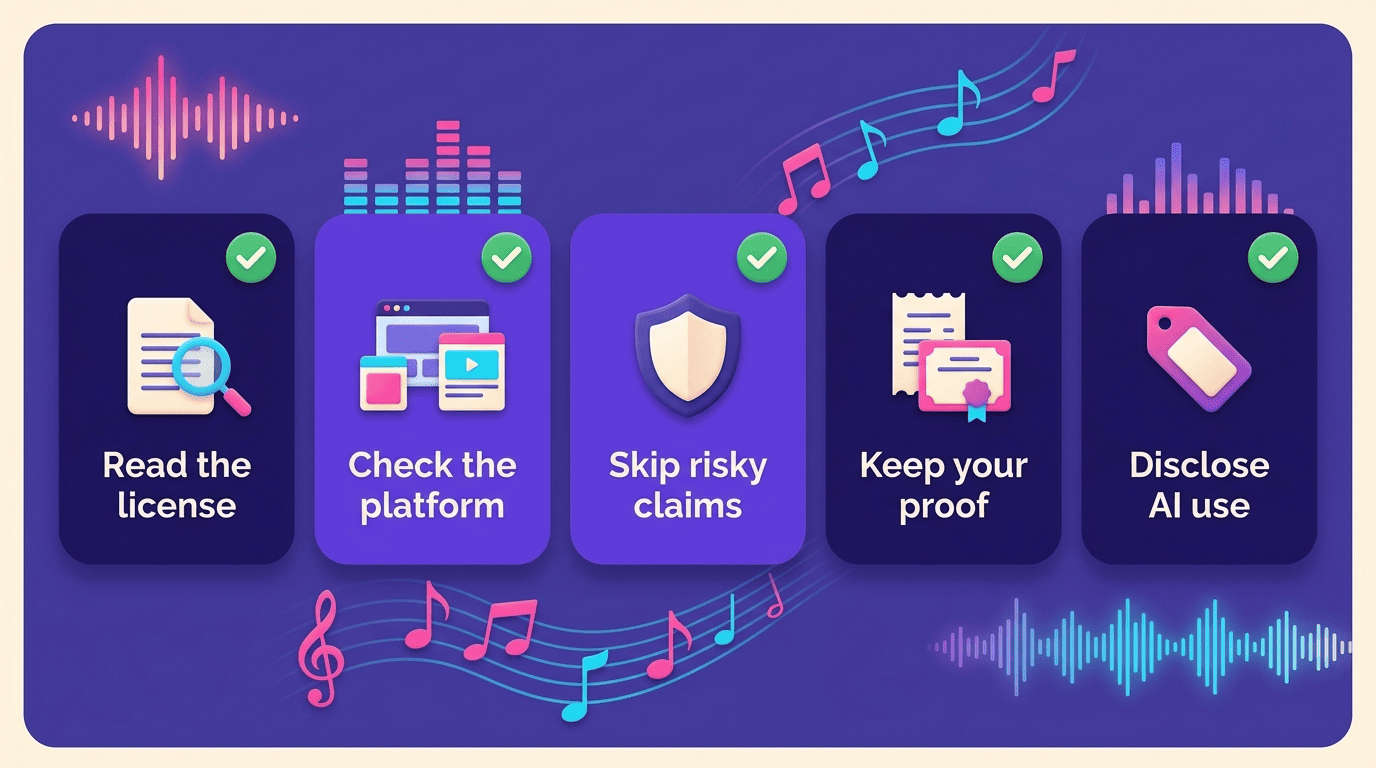
A short checklist before you publish anything made with an AI music generator:
- Read the license text for your specific subscription tier, not the general marketing claim.
- Confirm the license covers both commercial use and the exact platform you’ll publish on.
- Don’t file a Content ID claim on a track your license doesn’t clearly permit.
- Keep your license certificate, invoice, or purchase confirmation as proof of rights.
- Disclose AI use where the platform requires it (e.g., YouTube’s AI-content labeling).
This is general information, not legal advice — always check the specific tool’s license or terms of service before you rely on it commercially.