
How to Write AI Music Prompts: A Practical Framework With Copy-Paste Examples
The quality of a generated track depends far more on the prompt than on the tool itself. Any AI music generator from text turns your words into a track, but a vague brief gets a generic result, while Google DeepMind’s own Lyria prompt guide confirms that specificity is what separates a usable track from a forgettable one. A good prompt names genre, mood, tempo, instruments, vocals and structure — not just a mood word or a genre tag.

This guide walks through a repeatable framework for writing AI music prompts, followed by copy-paste examples for six common use cases and the mistakes that quietly wreck otherwise good briefs.
What Is an AI Music Prompt (and Why It Decides Everything)
An AI music prompt is a text description that tells a text-to-music AI what to build — mood, genre, instrumentation, structure and vocal approach, all in one brief. It works less like a search query and more like a creative brief you’d hand a session musician: the more of the picture you paint, the less room the model has to guess wrong.
A prompt is a brief, not a keyword
An AI music prompt is a text description that tells a text-to-music AI what to build — mood, genre, instrumentation, structure and vocal approach. The model has no taste of its own, only instructions; when the prompt is specific it has clear parameters to work from, and when it’s vague it defaults to statistical averages — the most common chord progression, the most generic structure for that genre. The output still sounds like music. It just doesn’t sound like your music.
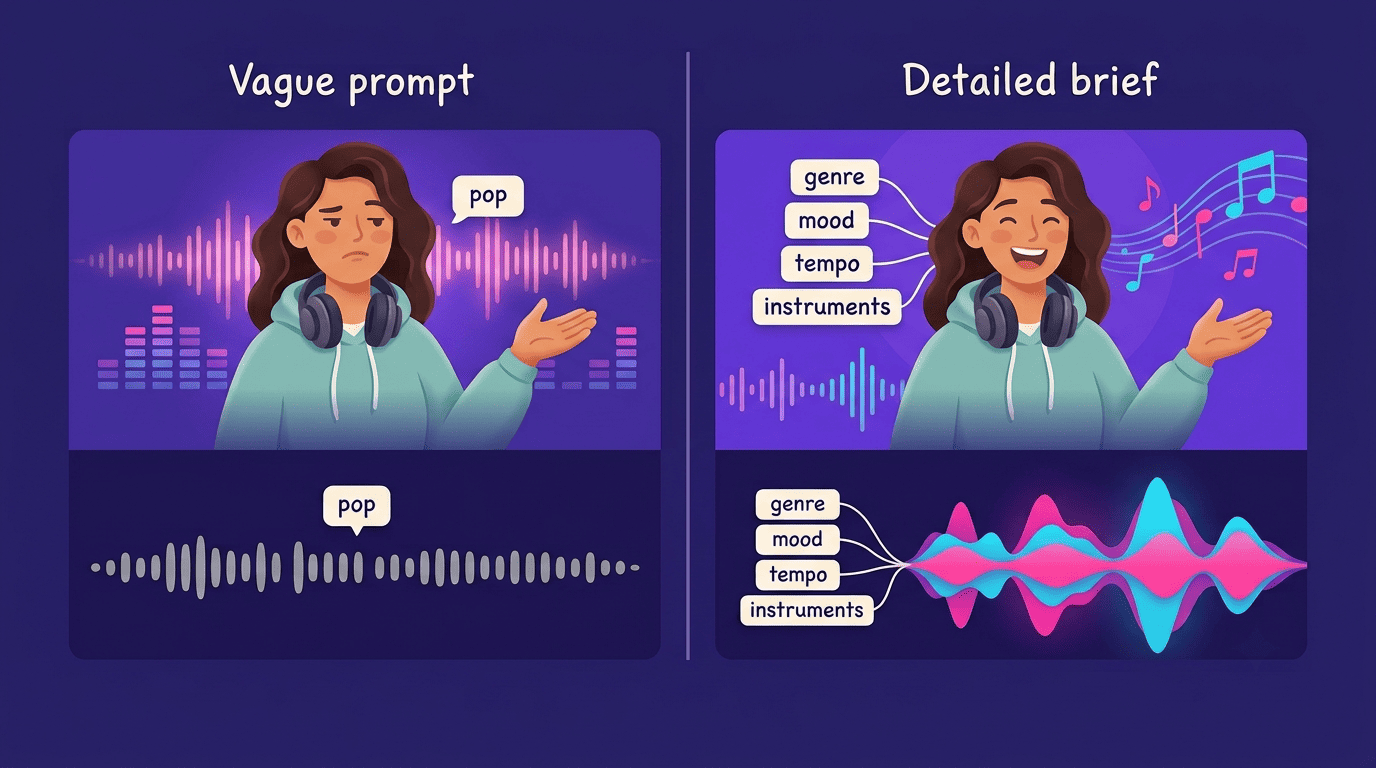
That gap is why two people typing “make a pop song” get two equally unremarkable results, while two people typing detailed briefs on the same genre get tracks that actually differ.
Why detail beats cleverness
Prompting well isn’t about music-theory jargon. You don’t need to know what a Lydian mode is — you need to say you want something “bright and slightly otherworldly,” and let the model translate that into notes. The point of a strong prompt isn’t sophistication, it’s coverage: enough detail that the model can’t make the wrong choice on any major element.
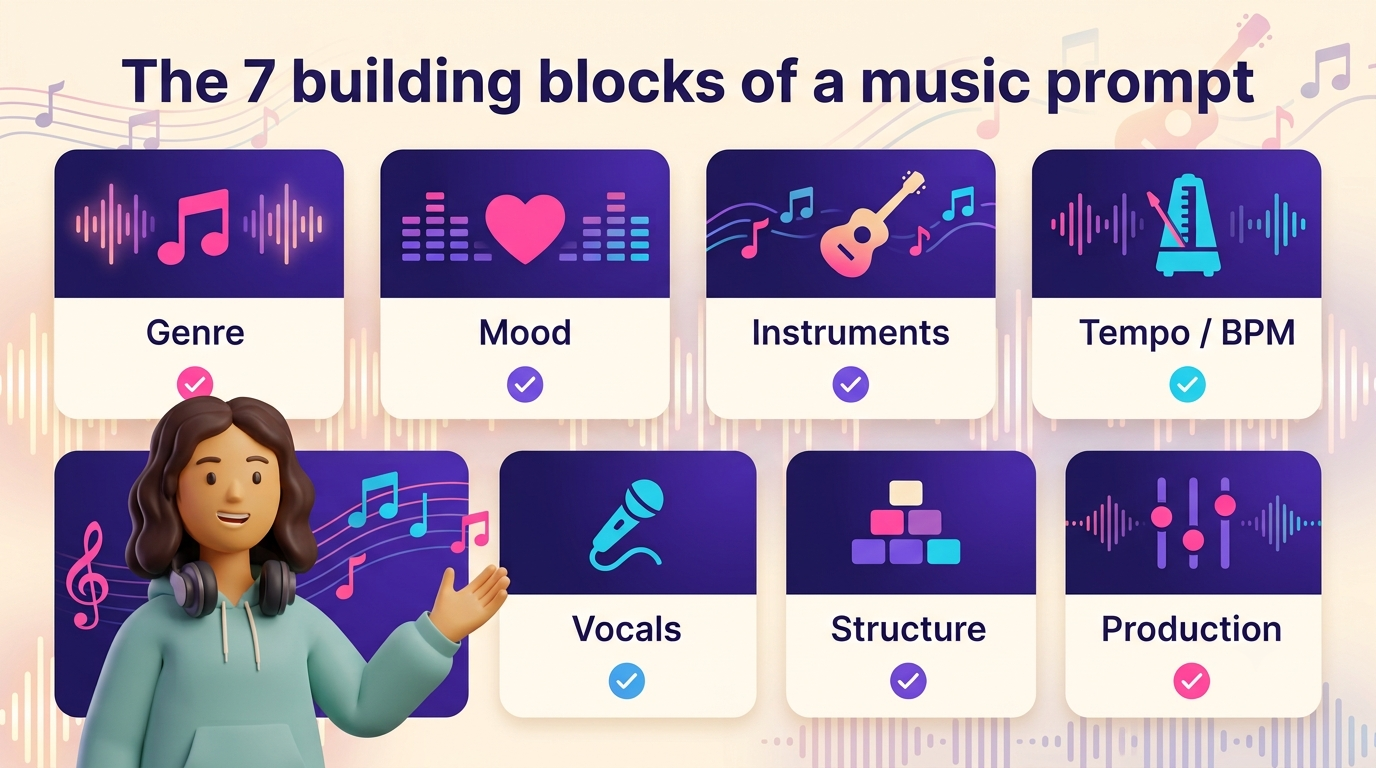
The 7 Building Blocks Every Prompt Should Cover
Most AI music prompt frameworks converge on a similar set of ingredients. OpenMusic’s own prompting documentation groups them into six core areas — genre/style, instruments, vocals, tempo, mood and production/mix — and Envato’s guide to writing MusicGen prompts covers largely the same ground with its own six-part breakdown. Treat the seven blocks below as a checklist, not a script; not every prompt needs all seven spelled out, but skipping a block means leaving that decision to chance.
| Block | What it controls | If you skip it |
|---|---|---|
| Genre / style | Instruments, rhythm, production texture | Model picks the most generic version of the genre |
| Mood / emotion | Chord choices, dynamics, pacing | Output feels functional but flat |
| Instrumentation | What you actually hear | Default, interchangeable instrument set |
| Tempo / BPM | Rhythmic grid, energy | Model estimates BPM by genre probability |
| Vocals | Arrangement shape, vocal presence | Inconsistent or unwanted vocal takes |
| Structure / duration | Song shape over time | Random length, no build or resolution |
| Production / mix | Polish, texture, space | Unpredictable mix quality |
1. Genre and style — set the sonic blueprint
Genre controls instruments, rhythm and production texture more than any other single word in the prompt. Avoid broad labels like “pop,” “rock” or “electronic” — they cover too much ground. Use subgenres and hybrids instead: “synth-pop with 80s vibes,” “lo-fi hip-hop for studying,” “dark pop,” “melodic techno for late-night club.” Era descriptors work too — “70s rock” or “18th century symphony” shape texture just as much as a genre label does.
2. Mood and emotion — the creative core
Mood shapes nearly every other decision the model makes, from chord voicing to instrument choice. “Happy” is too broad to act on; “euphoric but slightly bittersweet, like the last day of summer” gives the model something concrete to work with. Combining two mood words adds nuance — “triumphant but exhausted” reads very differently from either word alone. One thing to watch: don’t let mood contradict genre, or the model has to pick a winner and the result feels muddled.
3. Instrumentation — name what you want to hear
Default instrumentation for any genre is generic — every text-to-music AI has a “safe” instrument set it falls back on when you don’t specify. Name the lead instrument first (“solo cello leads, piano joins in the second half”), specify prominence, add texture instruments, and exclude anything you don’t want (“no drums — purely melodic”). Describe how instruments sound, not just which ones are present — “warm, slightly detuned analog synth” tells the model far more than “synth.”
4. Tempo and BPM — anchor the rhythmic grid
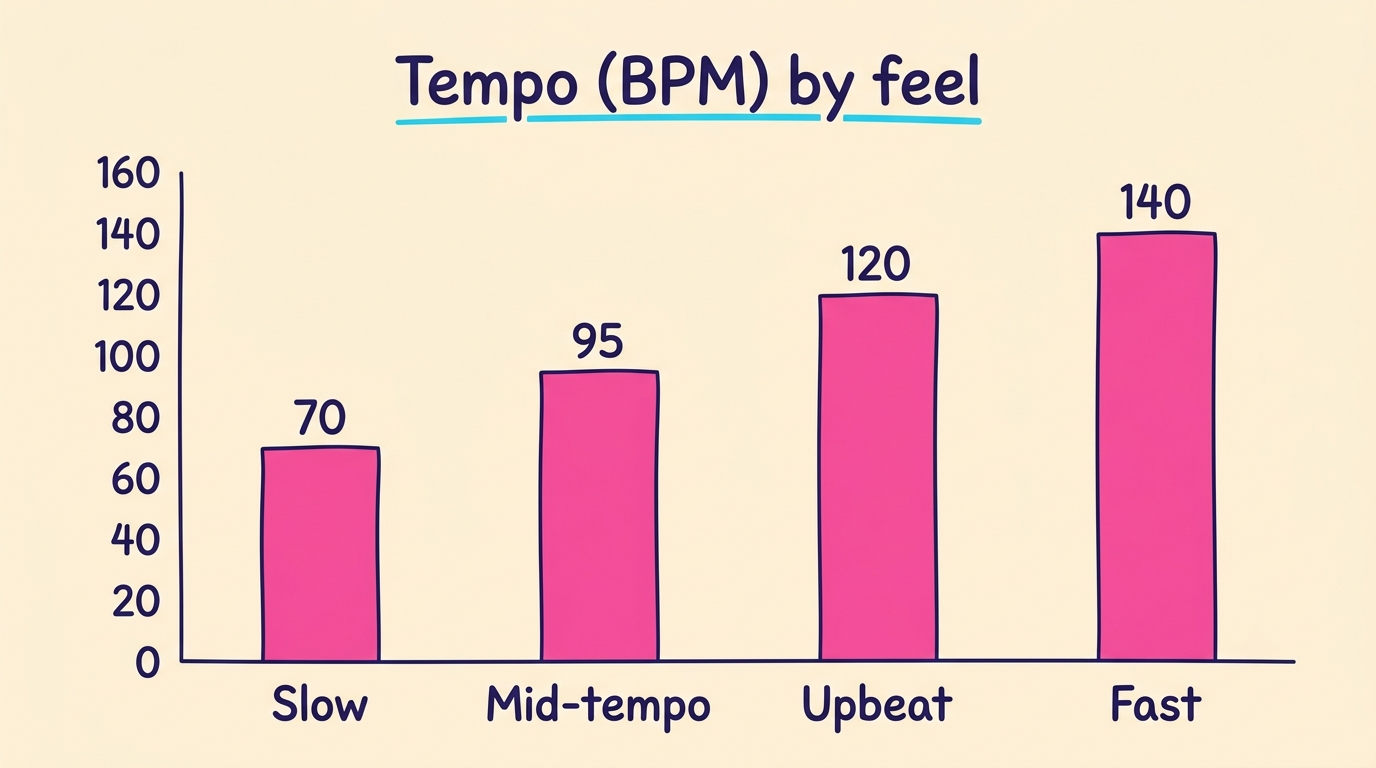
You can hand the model a number or a feel word, and both work — but a number is more precise. Specifying tempo anchors the rhythmic grid — without it, the model estimates BPM by genre probability, and the groove ends up unstable or generic.
| Rough BPM tier | Feel |
|---|---|
| ~70 BPM | Slow, contemplative |
| ~95 BPM | Mid-tempo groove |
| ~120 BPM | Upbeat, four-on-the-floor dance |
| ~140 BPM | Fast and driving |
5. Vocals or instrumental — decide before you write
This is one of the most important choices in the whole prompt, because the AI builds the arrangement differently depending on the answer. For vocals, specify gender, tone, emotion, delivery and language — “warm female vocal, intimate and slightly breathy” gives far more control than “female singer.” For instrumental tracks, say so explicitly and use the freed-up space for deeper arrangement detail instead. Prompt vocals by role and character, not by celebrity comparison — describing traits gets more consistent, more usable results than naming an artist.
6. Structure, duration and dynamics
Name the arrangement when shape matters to the final use: “intro → verse → chorus → verse → chorus → bridge → final chorus → outro” for a song, or for something cinematic, “starts minimal, builds through the middle, full peak at the 3-minute mark, resolves quietly.” Duration should match the use case — a 15-second intro and a 4-minute full song need different structural instructions, not just a different time limit. Describe the arc, not just a length in seconds.
7. Production and mix notes
Production hints set how polished or raw the final track feels: “clean radio-ready pop mix,” “raw live band sound with minimal processing,” “lo-fi texture with vinyl crackle,” “spacious cinematic mix with wide reverb.” This is the block most people skip, and it’s often the difference between a track that sounds finished and one that sounds like a draft.
A Repeatable Formula You Can Reuse
Once the seven blocks are familiar, they compress into a single reusable formula: use case + genre + mood + tempo + instruments + vocals + structure. Write it as one flowing paragraph rather than a filled-in form — a well-written sentence still reads naturally to the model, while a rigid list of labels can read as disconnected fragments. Any AI music from text tool responds better to a brief that reads like a sentence than to a checklist stapled together.
Layer from broad to specific
Start with the broadest element and get progressively more specific as the sentence goes on. Lead with the descriptor that matters most to you — first descriptors tend to carry extra weight, since models weight early tokens more heavily than ones buried at the end of a long prompt. A layered version might read: “cinematic trailer music, orchestral and string-led, building tension and then releasing it, around 85 BPM, with a solo piano opening and full strings entering at the midpoint.” Each phrase narrows the last, moving from broad genre down to a specific arrangement beat.
Copy-Paste AI Music Prompt Examples
Each of these follows the formula above and can be adapted by swapping the mood, tempo or instrument names for your own.
Upbeat / lifestyle
“Energetic indie pop with driving drums, bright acoustic guitar, and an uplifting melody, ~120 BPM, warm and optimistic, perfect for lifestyle content.”
Cinematic / trailer
“Cinematic orchestral piece with string section, gentle piano, and subtle brass, building from quiet contemplation to an emotional climax, ~85 BPM, evocative and moving.”
Lo-fi / study
“Lo-fi hip-hop beat with soft electric piano, jazzy guitar, minimal drums, vinyl crackle, relaxed late-night study vibe, loopable.”
Corporate / brand cue
“30-second polished brand cue for a SaaS launch, clean electronic textures, optimistic build, light percussion, no vocals, neutral ending for a logo reveal.”
Vocal song
“Warm acoustic love song about long-distance patience, fingerpicked guitar, soft male vocal, intimate verses, one hopeful chorus lift, gentle ending.”
Creator intro
“20-second upbeat synth-pop intro for a tech channel, bright arpeggios, confident bass, one short vocal hook, clean title-card stop, no real-artist references.”
Advanced Prompting Techniques
Beyond the seven blocks, a few techniques help when a straightforward description isn’t landing:
- Contrast prompting
- Reference-frame prompting
- Variation chaining
Contrast prompting. Describe what the track should feel like and what it should not: “introspective but not sad. Thoughtful, not mopey. Quiet energy — not slow or lethargic.” Negative constraints like these help the model avoid the nearest cliché instead of drifting toward it.
Reference-frame prompting. Describe a scenario instead of musical terms: “music for the opening scene of a film where the character watches the sunrise after a hard night — tired but at peace.” This works especially well when you lack technical vocabulary but have a clear picture in your head.
Variation chaining. Generate once, then refine a single element while holding everything else steady: “same track but slower — reduce the urgency in the percussion. Everything else stays.” This is the same logic used in iteration, covered below.
Google DeepMind’s own prompt guide for its Lyria music model makes the same point about vocal direction specifically:
Do you want a male or female singer? Do they have commanding baritone vocals, or a clear and high soprano range? Is their voice rich, gravelly, soulful, breathy?
Google DeepMind, Lyria Prompt Guide
Common Mistakes to Avoid
A handful of habits quietly undermine otherwise reasonable prompts:
- Writing mood as genre. “Make a sad song” names a feeling, not a genre — pair it with an actual genre or subgenre.
- Leaving instrumentation to default. If you don’t name instruments, the model picks the most generic set for the genre.
- Not specifying vocal vs. instrumental mode. Leaving this out produces inconsistent results — sometimes vocals show up unwanted, sometimes they’re missing entirely.
- Conflicting descriptors. “Relaxing heavy metal with soft drums” forces the model to pick a winner between contradictory instructions.
- Genre soup. “Rock pop jazz classical electronic fusion with every instrument” gives the model too many directions to reconcile at once.
- Too much narrative, not enough musical direction. A backstory is nice, but it needs to translate into genre, mood, tempo and instruments — not stay abstract.
- Naming real artists. Describing traits (vocal tone, tempo feel, instrumentation) is more precise than a name, and sidesteps rights concerns entirely.
Iterate Like You’re Debugging
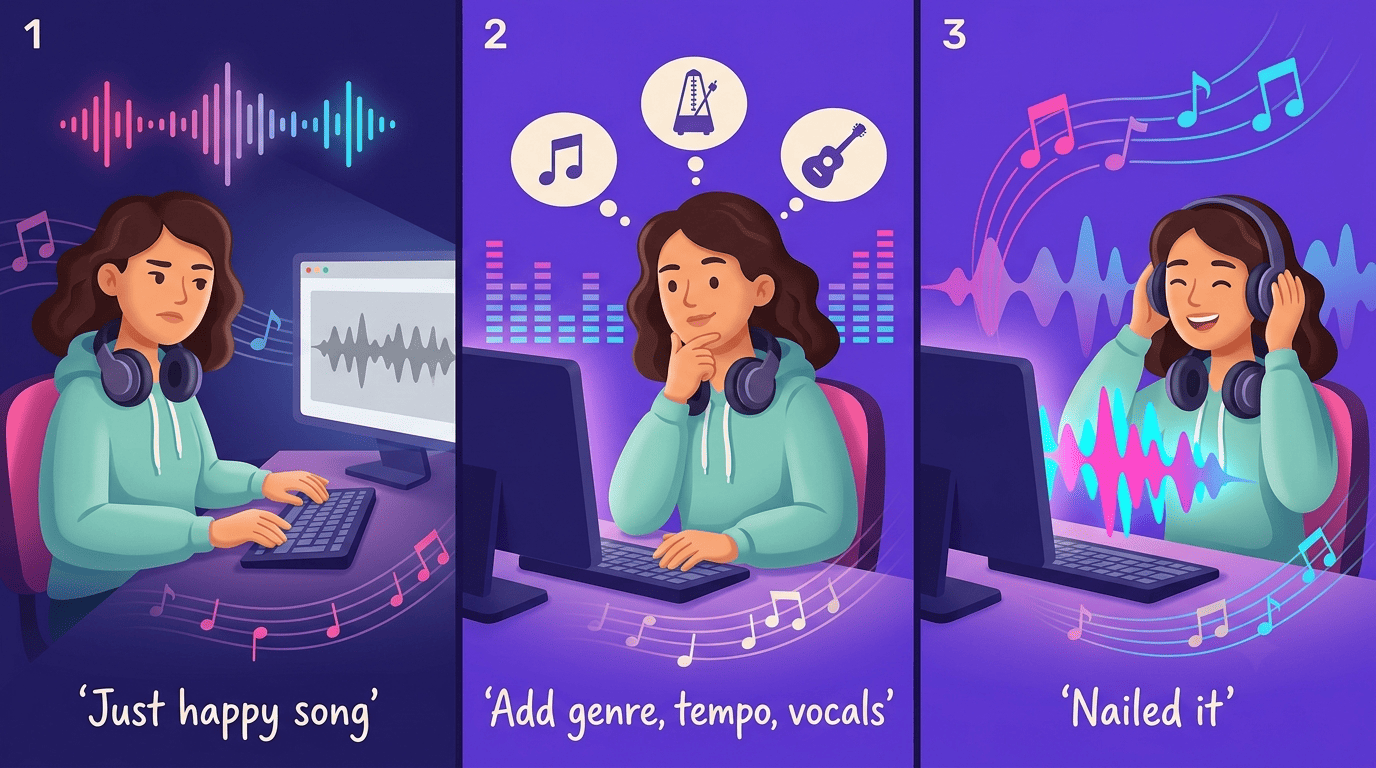
Treat a disappointing result the way you’d treat a bug: diagnose first, then fix one thing. Identify the single element that missed the mark — was it the mood, the instrumentation, the structure, the vocal delivery — and change only that element in the next prompt. Changing everything at once makes it impossible to know what actually fixed the problem, or whether it was fixed by accident.
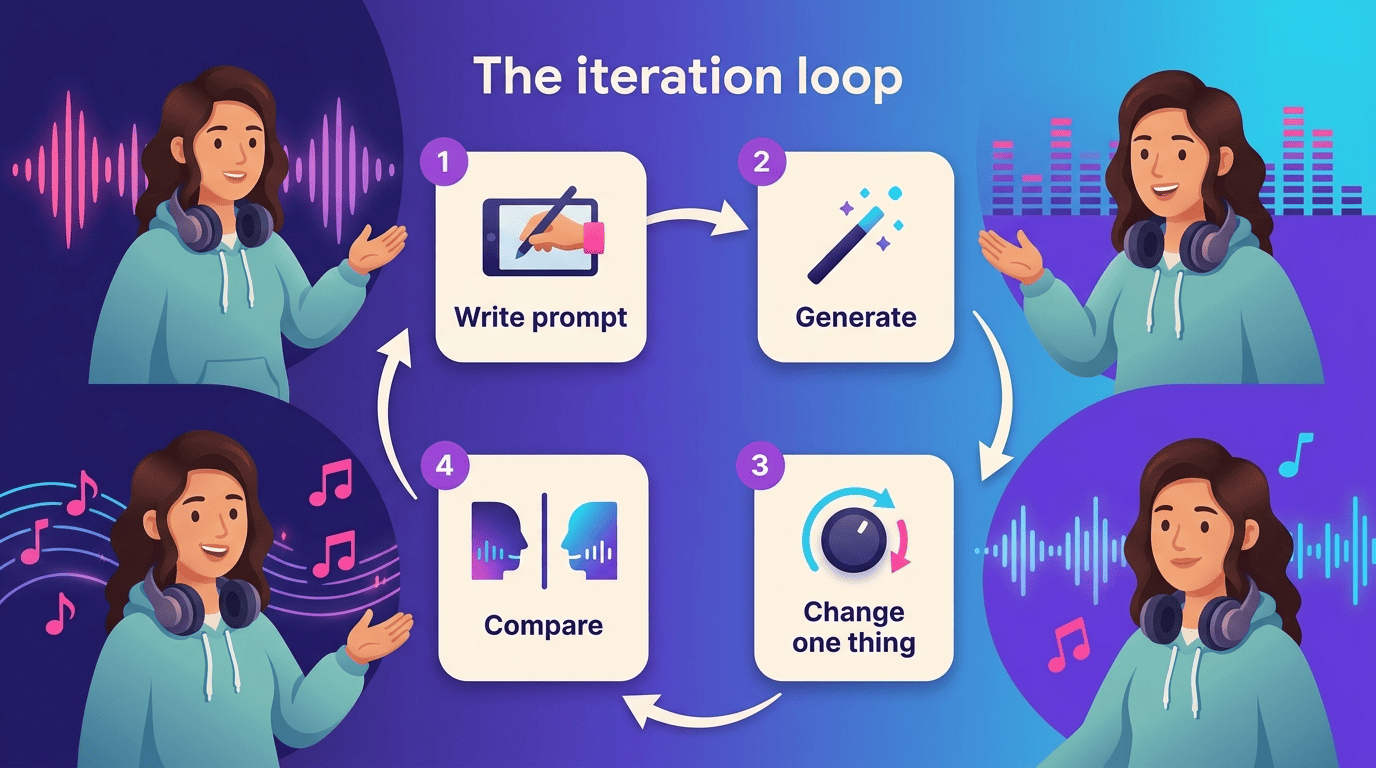
A track from a text-to-music AI generates in well under a minute — often 30-60 seconds — so this kind of targeted iteration is cheap. There’s little reason to keep rewriting a prompt from scratch when a single-variable change gets you closer with each pass.
Here’s a simple loop to follow:
- Write a complete prompt covering all seven blocks.
- Generate the track.
- Listen and note what’s off — one specific element, not a general impression.
- Change only that element (and at most one more, if closely related).
- Regenerate and compare directly against the previous version.
- Repeat until the track matches the brief.
- Save the final prompt so the result is reproducible later.
A Note on Commercial Use
Mentioning an intended use in a prompt — “for a YouTube intro,” “for a client ad” — does not by itself grant any rights to use the output commercially. Whether a track can be used commercially depends on the specific tool’s license terms and on the destination platform’s own rules. Check both before publishing anything generated, rather than assuming a prompt mention settles the question:
- The generation tool’s own license terms — what usage rights come with your plan
- The destination platform’s rules — Spotify, YouTube’s Content ID system, or TikTok’s sound policies each handle AI-generated audio differently
- Any license certificate or receipt the tool provides — keep it on file in case a platform asks for proof